Getting started
Sign in with Apple or Google
Skip your password and sign in with your Apple or Google account.
Who can use thisMemberRide leadAdminOwner
Sign in or create your account with Apple or Google instead of a password. Your club needs an invitation link either way, since Equipe is invite-only.
- On the login page or the sign-up page, look under Or continue with.
- Click Apple or Google.
- Follow the prompts from Apple or Google.
- Check that the app shows Home.
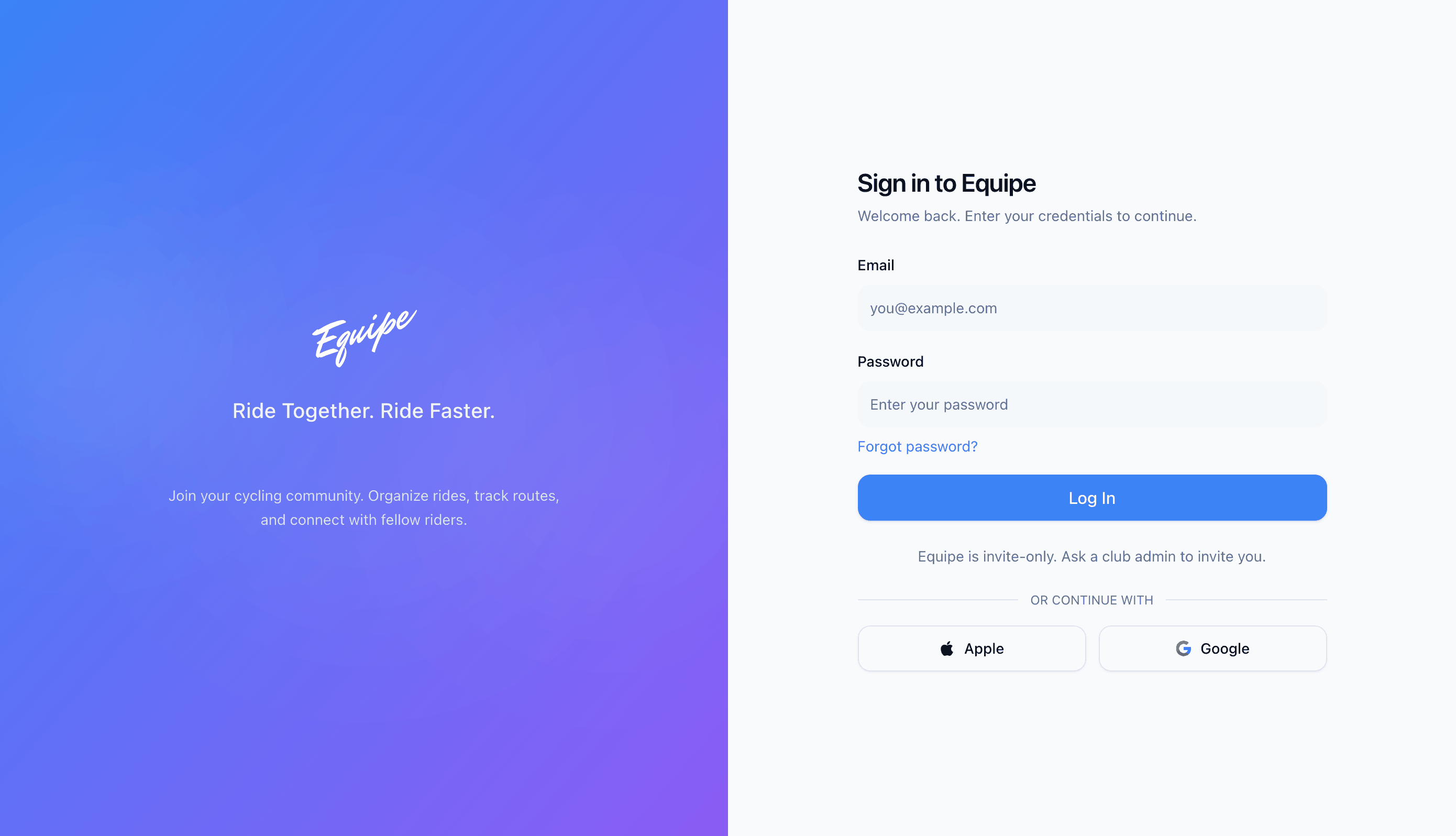
Your club admin turns this on for your club. If you do not see these buttons, sign in with your email and password instead.