Discussions
Delete your comment
Remove a comment you posted in a ride's discussion.
Who can use thisMemberRide leadAdminOwner
Delete your own comment to remove a mistake. Other members no longer see it after you delete it.
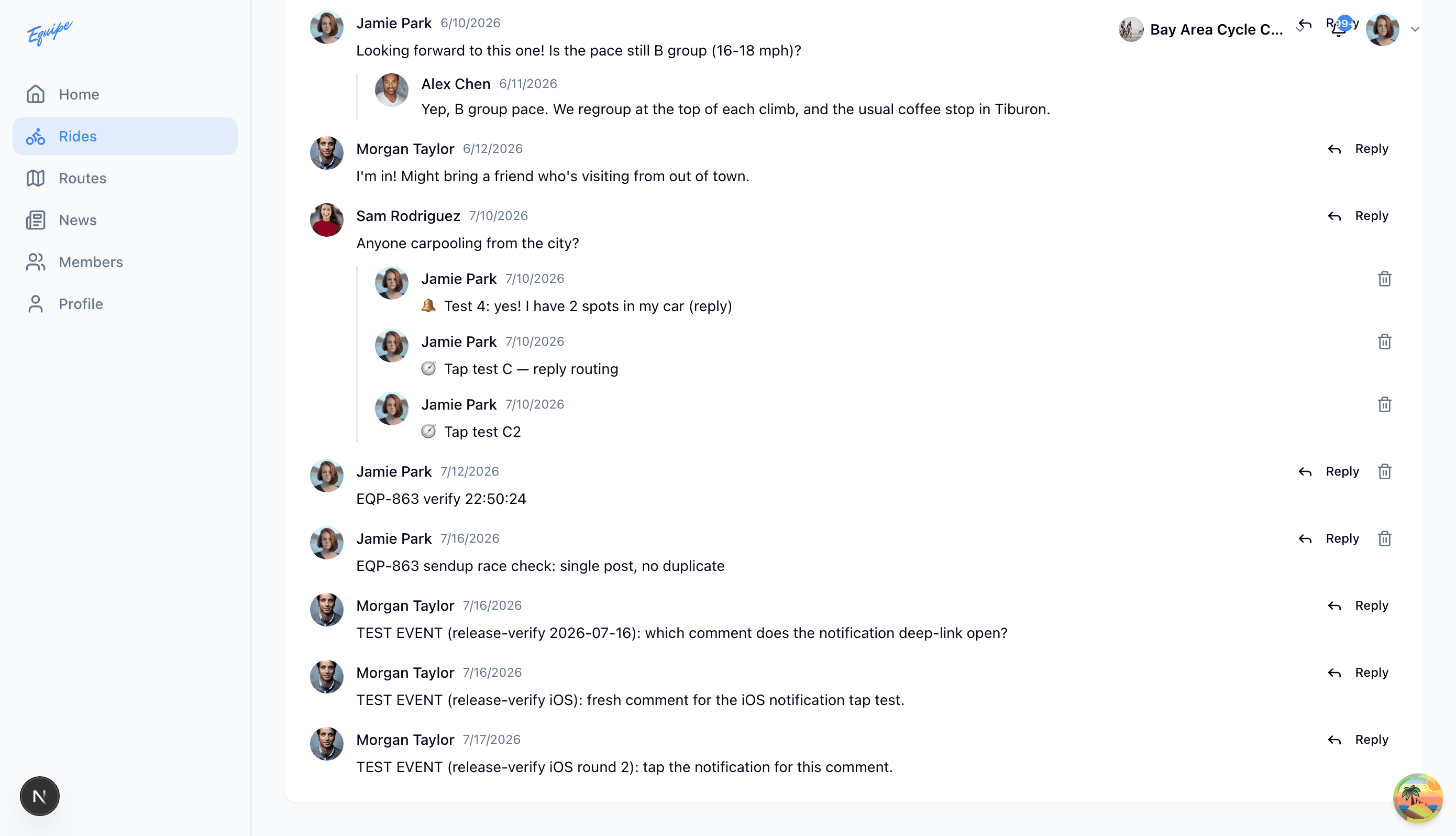
- Open the ride and scroll to Discussion.
- Click the trash icon on your own comment.
- Click Delete to confirm.
- Check that the comment no longer shows in the list.
Deleting a comment cannot be undone.
An admin or a ride lead cannot yet delete another member's comment.