Discussions
Post a comment
Add a comment to a ride's discussion.
Who can use thisMemberRide leadAdminOwner
Post a comment to ask a question or share information about the ride. Every member who reads the discussion sees it.
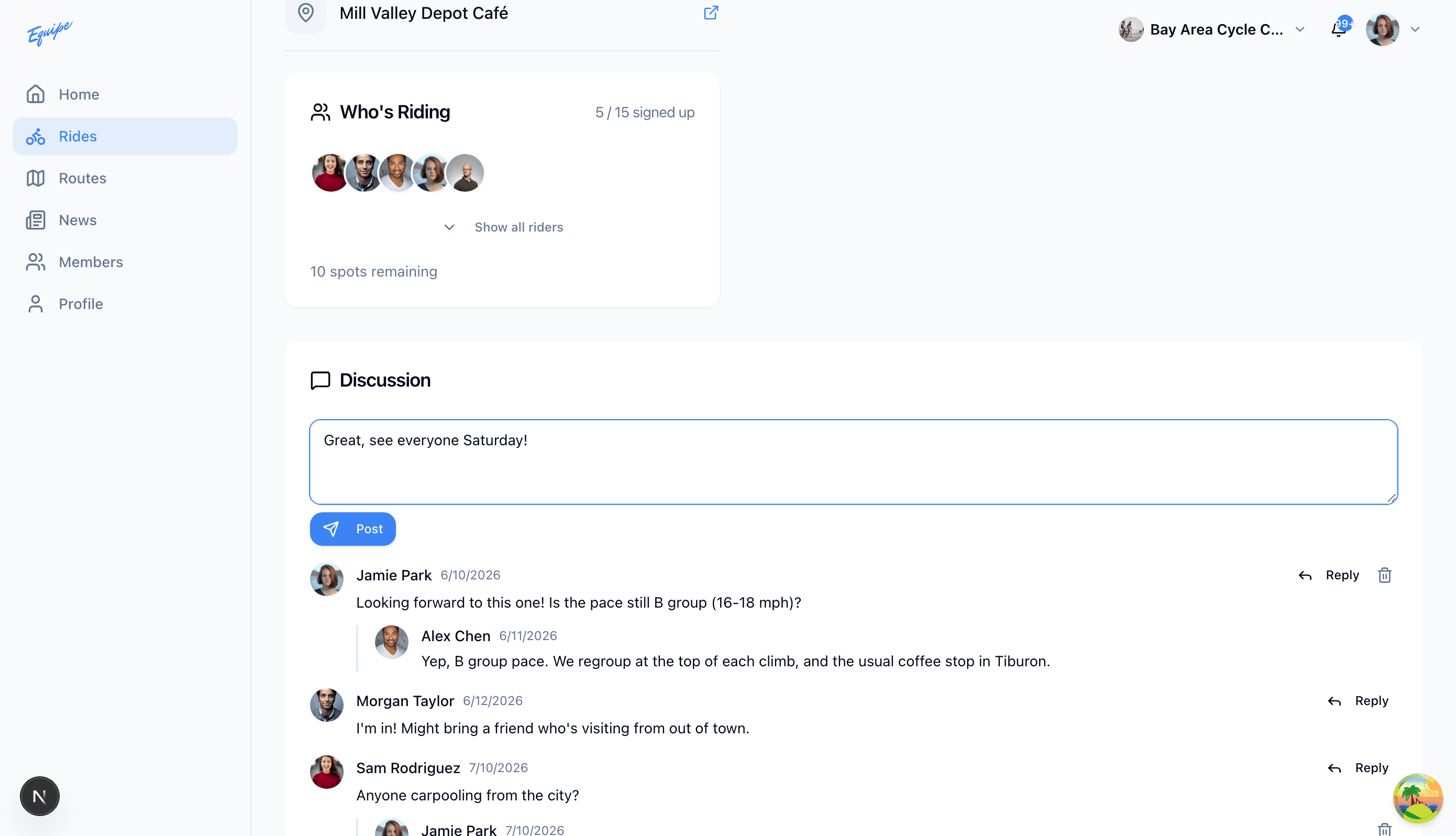
- Open the ride and scroll to Discussion.
- Click Add a comment and type your comment.
- Click Post.
- Check that your comment shows in the list.
A comment can hold up to 2000 characters.