Home
Club branding and greeting
See your club logo on Home, and a time-based greeting on the web app.
Who can use thisMemberRide leadAdminOwner
Home shows your club logo at the top when the club set one. The web app also shows a greeting that changes with the time of day.
- Open Home.
- Check the club logo at the top of the page.
- Check the greeting below the logo.
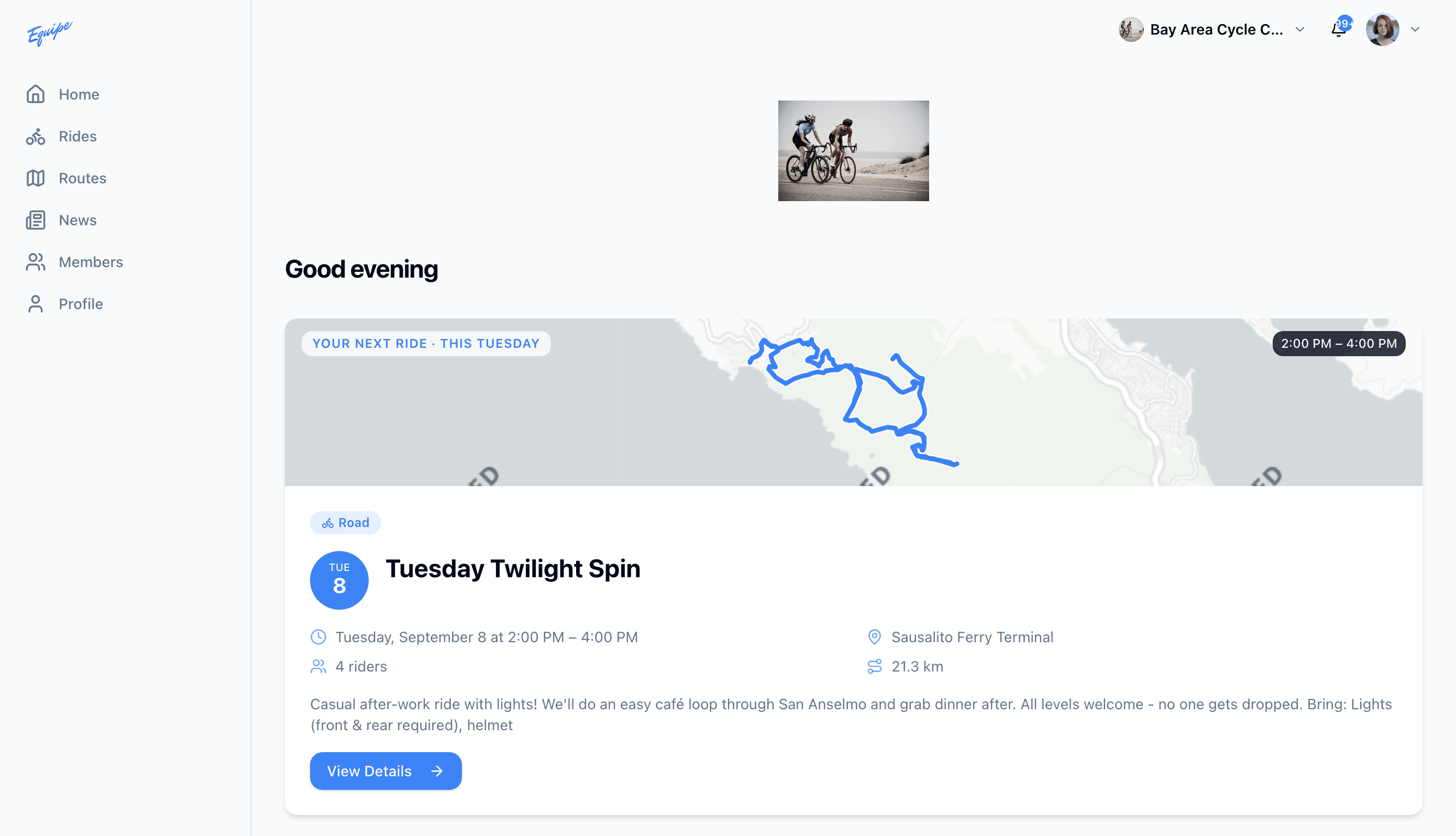
The greeting reads Good morning, Good afternoon, or Good evening. It does not include your name. iOS and Android do not show a greeting.
On Android, a club logo saved as an SVG file does not display. Ask an admin to upload a PNG or JPG logo instead.