Home
Your next ride
See a featured card for your next scheduled ride on Home.
Who can use thisMemberRide leadAdminOwner
Home features one upcoming ride in a large card near the top, so you see it first. Tap or click the card to open the ride.
- Open Home.
- Check the card labeled Your Next Ride.
- Click View Details to open the ride.
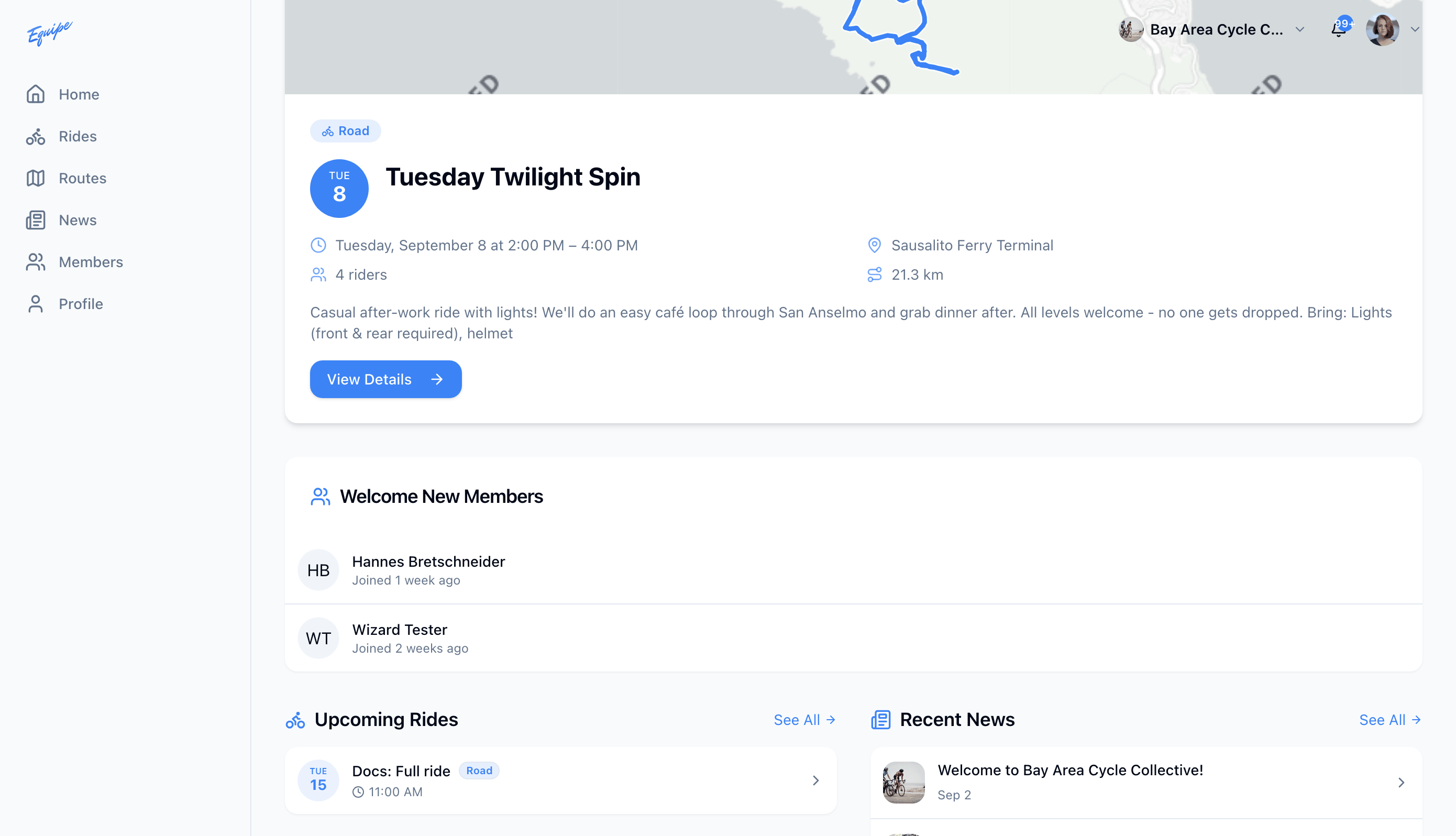
Web and Android feature the next scheduled club ride, whether or not you joined it. iOS features this card only for a ride you signed up for or lead.