Notifications
Your notifications
See your notification feed in the app, and open what changed.
Who can use thisMemberRide leadAdminOwner
Equipe keeps a feed of your notifications in the app. Tap or click one to open the ride, news post, or member it is about.
- Click the bell icon in the top bar. Equipe marks every notification read.
- Click a notification to open it.
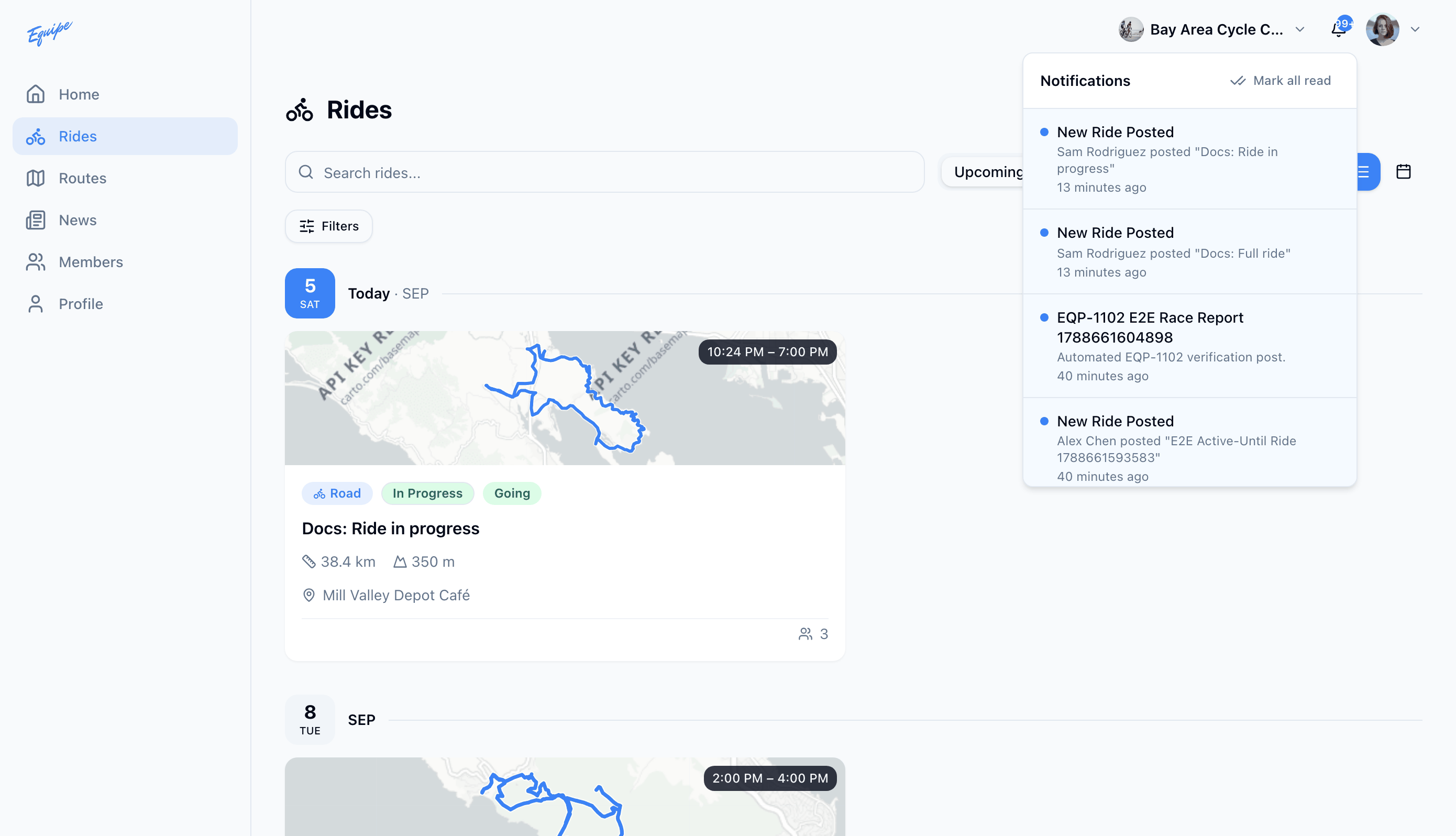
Web and Android mark every notification read as soon as you open the list. iOS marks one read when you tap it, or all of them when you tap Mark all read.
An admin or owner sees an extra Approvals tab here, with rides waiting for approval.