Notifications
Choose your notifications
Turn notification types on or off, and choose push or email delivery.
Who can use thisMemberRide leadAdminOwner
Choose which notifications you get, and whether Equipe sends them as push notifications, email, or both. Turn off any category you do not want.
- Open Settings and click Notifications.
- Turn on or off Push Notifications or Email Notifications under Delivery Channels.
- Under Notification Types, turn on or off Push or Email for a category.
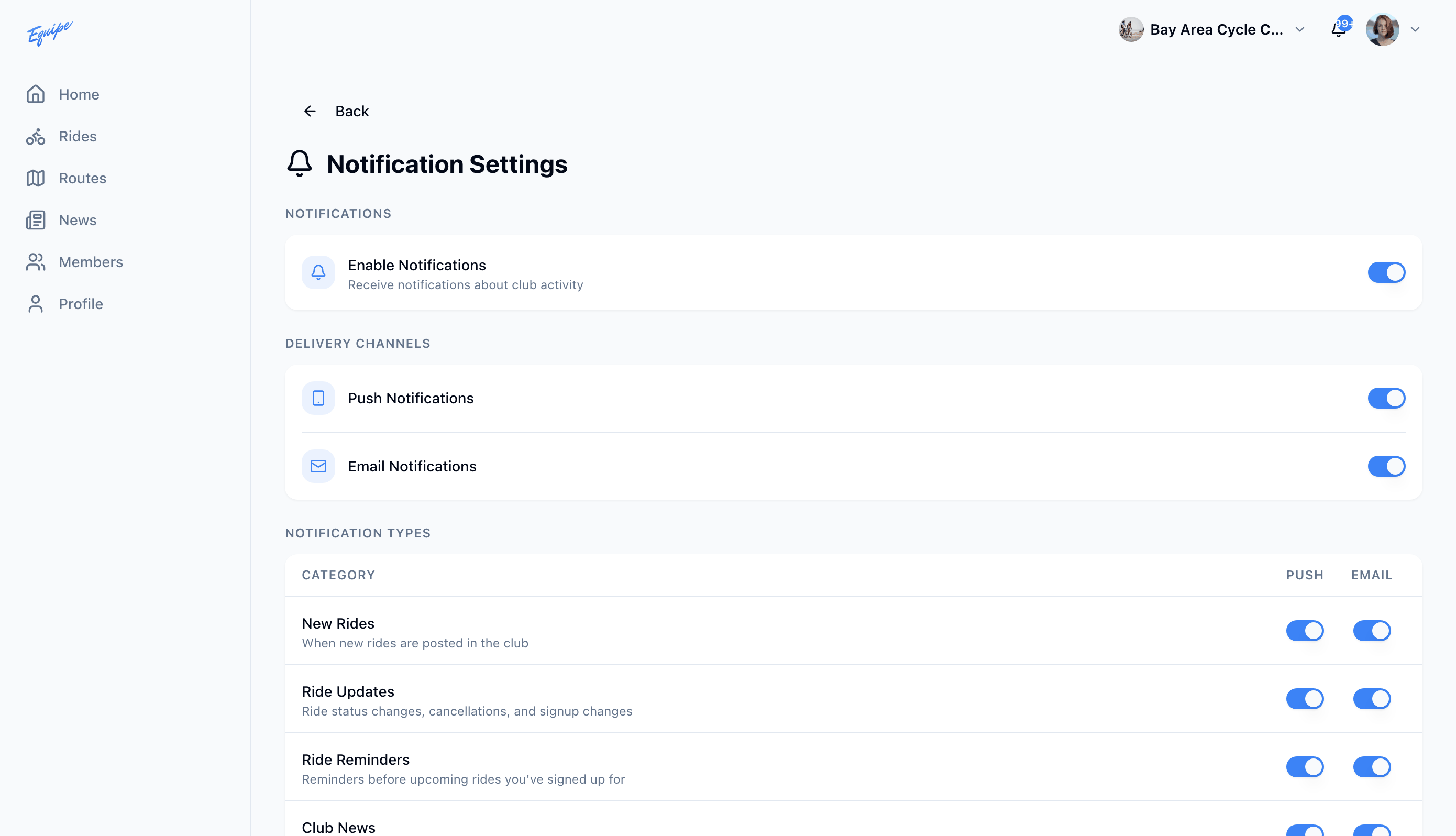
Turn off Enable Notifications to stop every notification at once. Each category switch turns off only that one type.