News
Create a news post
Publish a club announcement with a title, content, and an optional cover image.
Who can use thisAdminOwner
Admins and owners post news for the whole club to read. Add a title and content. The web app also takes a category and a cover image.
- Open News and click New Post.
- Type a title.
- Type a category, or leave it blank to show News.
- Add a cover image, or skip this step.
- Write the content in the body field.
- Click Publish News Post.
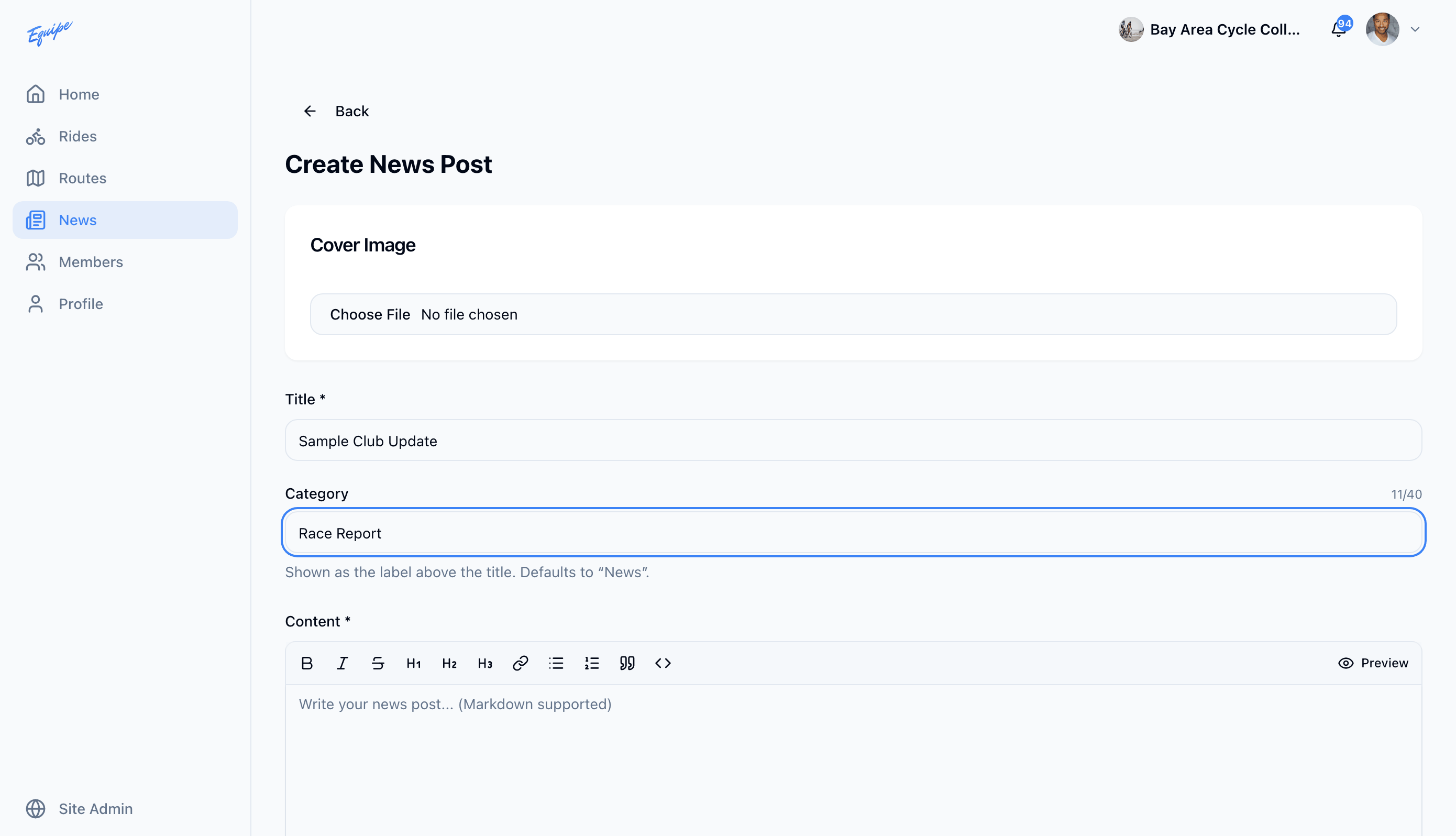
Only the web app has a category field. Android also has no cover image field on a new post.