News
Edit a news post
Change the title, content, or cover image of a news post you already published.
Who can use thisAdminOwner
Admins and owners fix a published post at any time. Open the post, make your changes, and save them.
- Open the post and click Edit.
- Change the title, category, or content.
- Add or remove the cover image.
- Click Save Changes.
- Check that the post shows your changes.
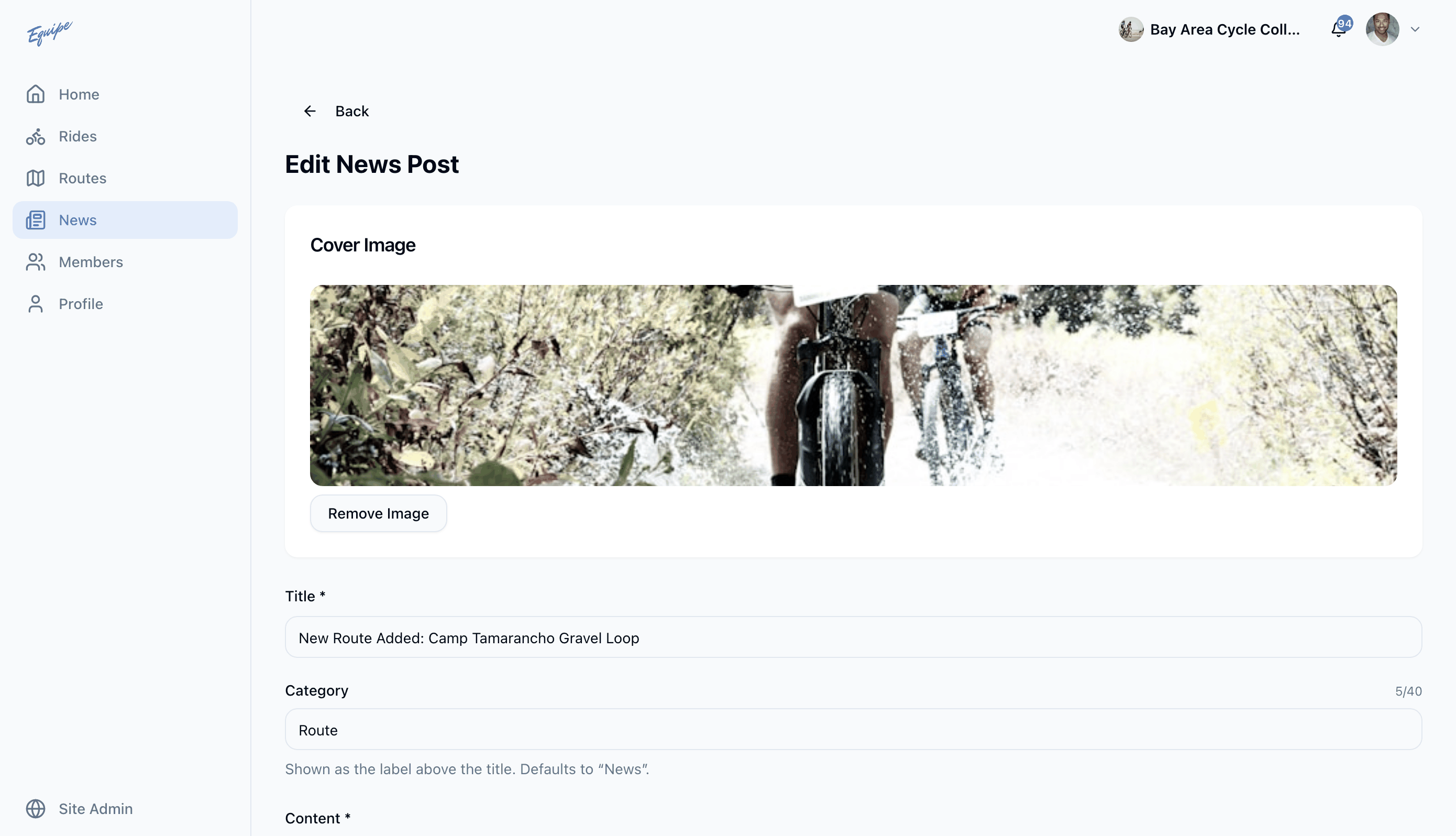
On the web app and iOS, you also change or remove the cover image here. Android has no cover image field.