News
Delete a news post
Remove a news post that the club no longer needs.
Who can use thisAdminOwner
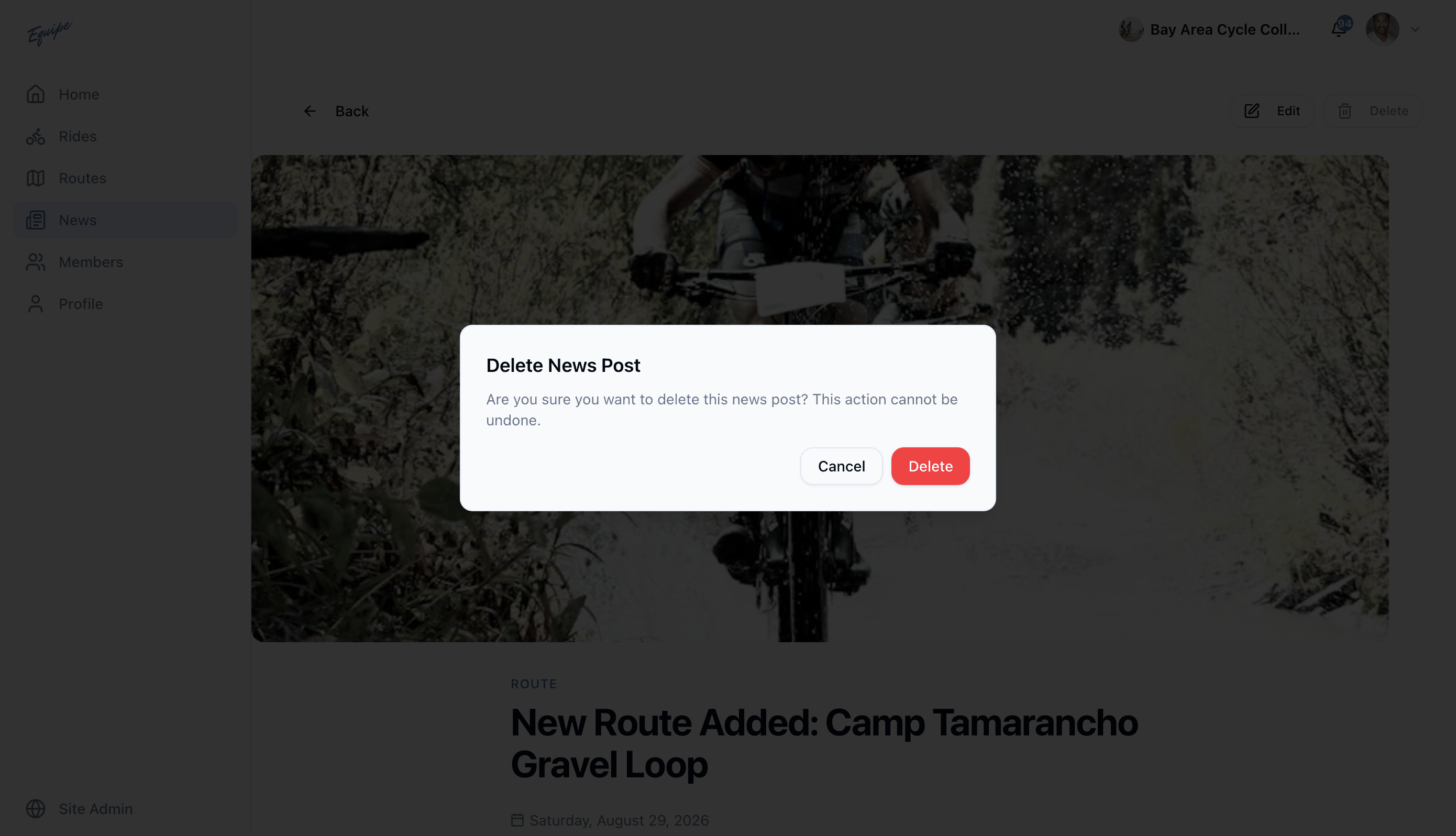
Admins and owners remove a post that is wrong or out of date. A dialog asks you to confirm before the post is gone.
- Open the post and click Delete.
- In the dialog, click Delete to confirm.
- Check that the post no longer shows in News.
A deleted news post cannot come back. There is no undo.