Routes and integrations
Connect Ride with GPS
Link your Ride with GPS account so you can import its routes.
Who can use thisRide leadAdminOwner
A ride lead connects Ride with GPS to import routes from it, including club libraries and collections. The app opens Ride with GPS so you can sign in and grant access, then returns you to Equipe.
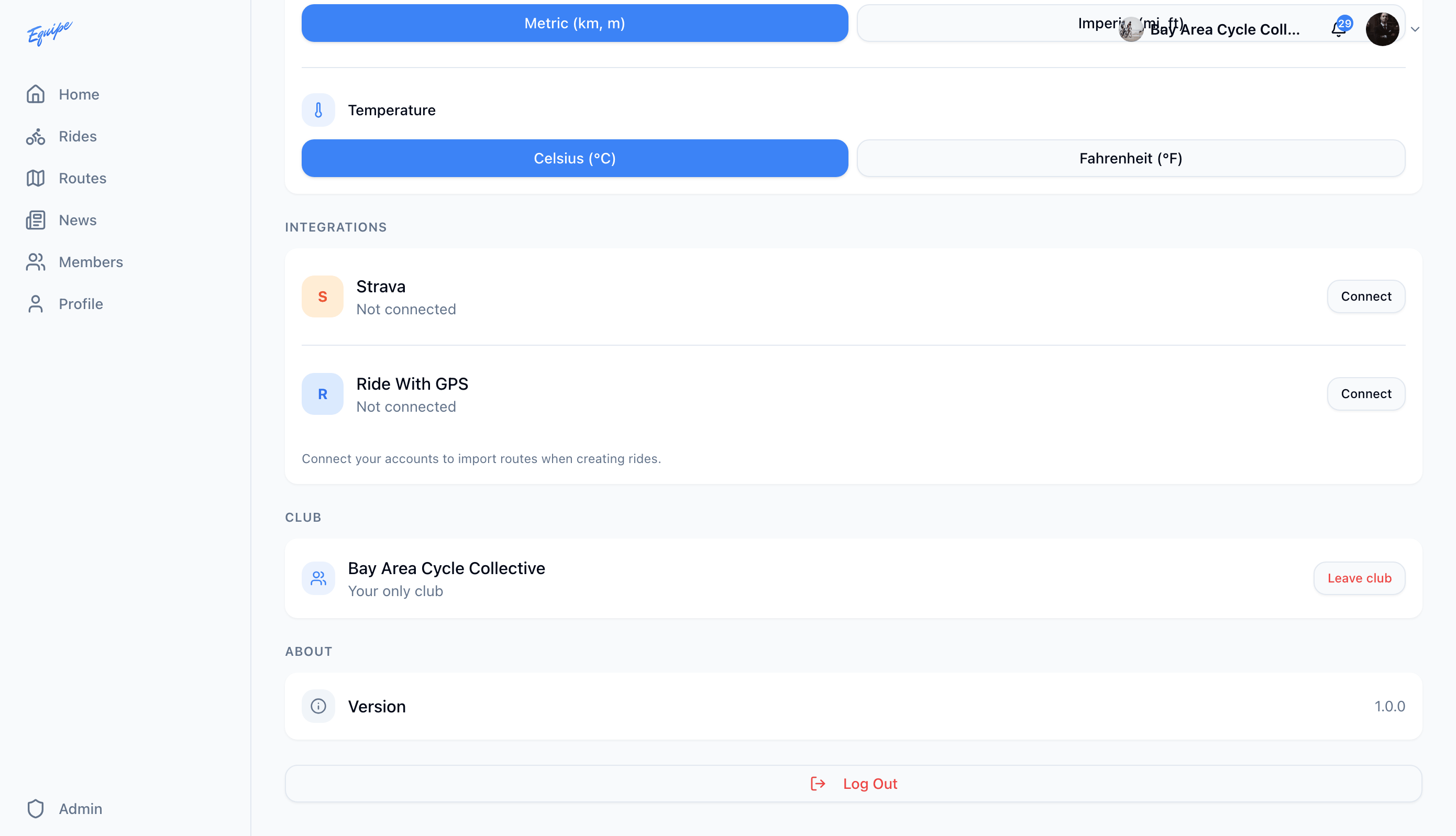
- Open Settings and find Integrations.
- Next to Ride With GPS, click Connect.
- Sign in to Ride with GPS and grant access.
- Check that Ride With GPS shows Connected.
Only a ride lead, an admin, or the owner can connect Ride with GPS.