Routes and integrations
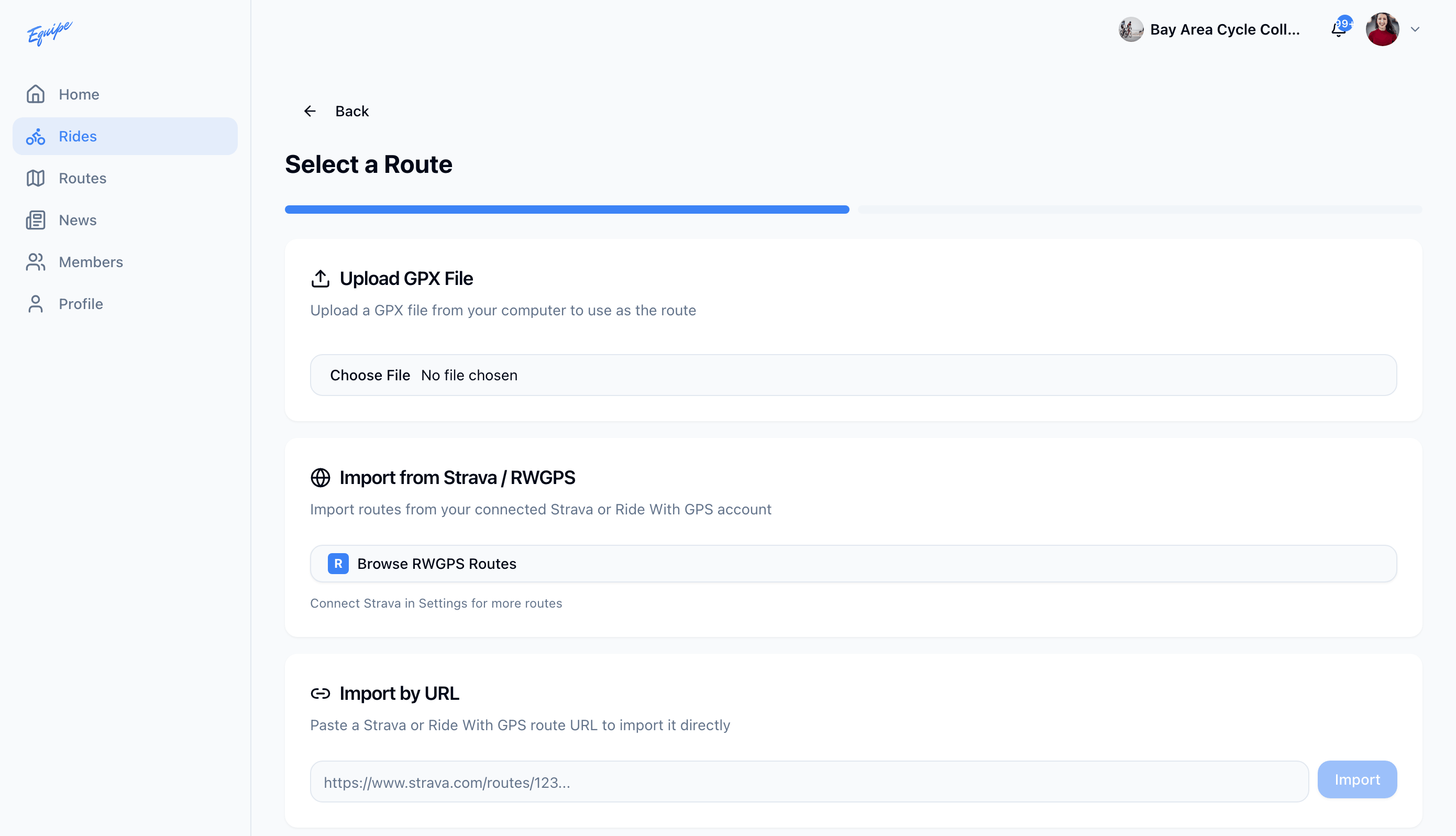
Upload a GPX file
Add a route to a ride from a GPX file on your device.
Who can use thisRide leadAdminOwner
A ride lead can add a route to a ride by uploading a GPX file. The app reads the file and builds the map, distance, and elevation from it.
- While you add a route to a ride, find the Upload GPX File card.
- Click the file field and choose a .gpx file from your computer.
- Check that the route shows a map, distance, and elevation.