Routes and integrations
Import a route
Bring a route into a ride from Strava, Ride with GPS, or a URL.
Who can use thisRide leadAdminOwner
A ride lead imports a route from a connected Strava or Ride with GPS account, or by pasting a route link. Ride with GPS also offers the club's shared collections and club libraries. A private route still imports, but other club members may not see it on the original service.
- While you add a route to a ride, click Browse Strava Routes or Browse RWGPS Routes.
- Search or sort the list, then click a route.
- If the route is private, click Import Anyway to confirm.
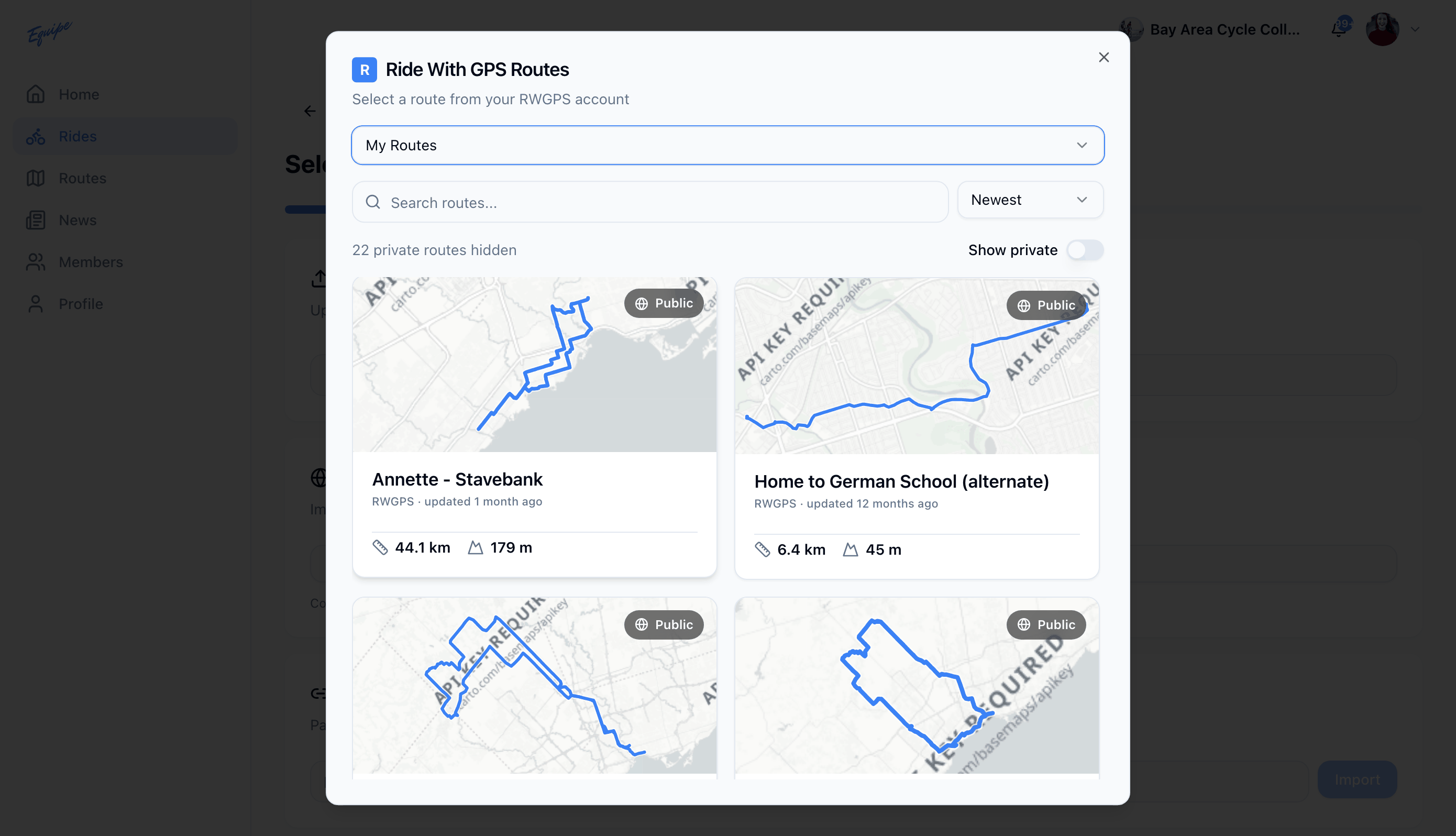
For Ride with GPS, switch the source to a collection or a club library to browse routes beyond your personal list.
To import by URL instead, paste a Strava or Ride with GPS route link into Import by URL.