Getting started
Accept an invitation
Open your invite link and join your club on the web app, iOS, or Android.
Who can use thisMemberRide leadAdminOwner
A club admin sends you an invitation by email. The link works on the web app and on the phone apps. Equipe is invite-only, so you need this link to join a club.
- Open the invitation email and click the link.
- If you do not have an account, click Create Account and follow the sign-up steps.
- If you already have an account, click Sign In, then click Accept Invitation.
- Check that the page shows a Welcome to the Club message.
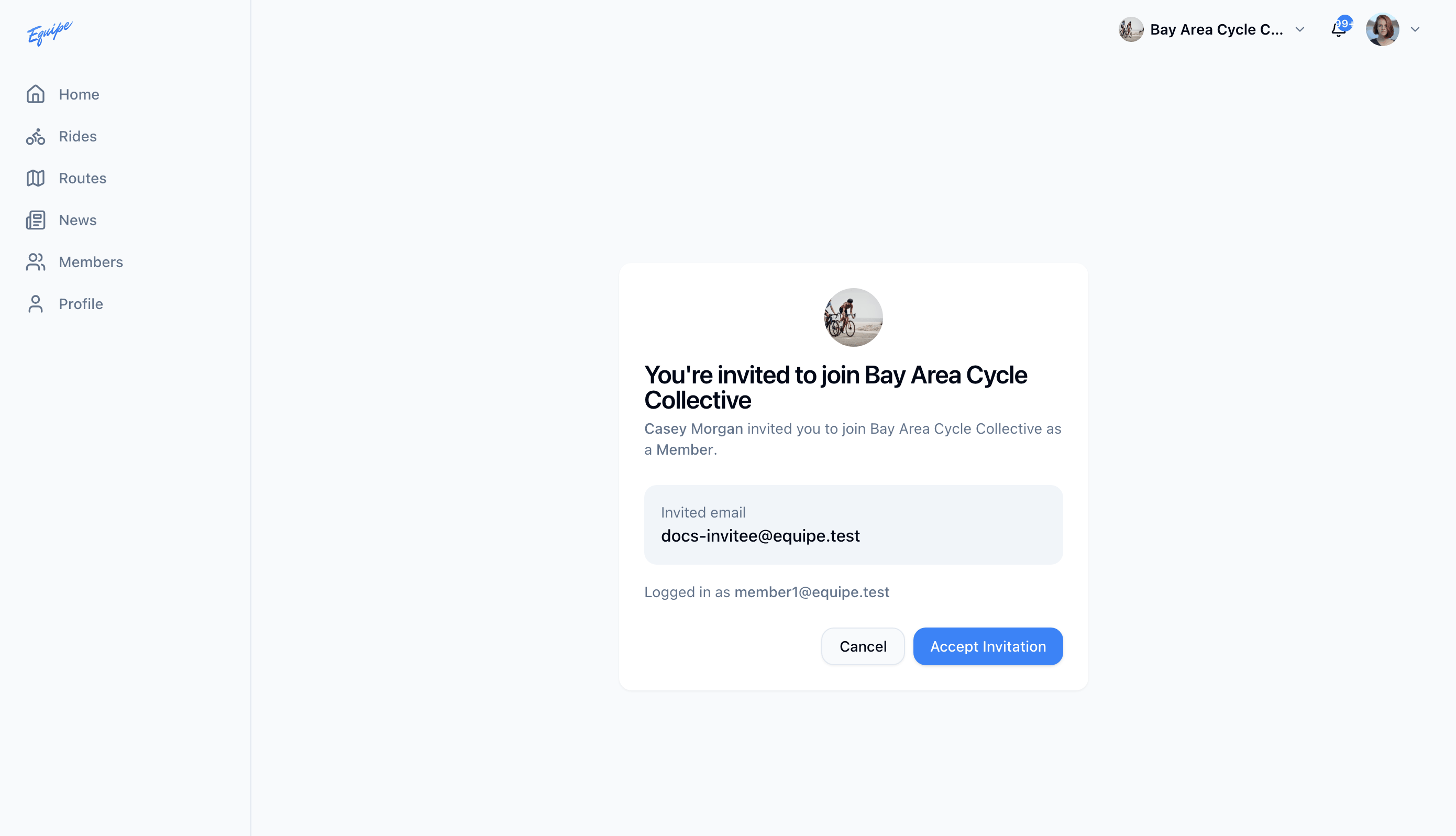
If the link does not open the app, tap Have an invite link? on the no-club screen and paste the link there.
Each invitation has one use. Ask your club admin for a new link if yours already shows as used or expired.