Getting started
Reset your password
Request a password reset email, then set a new password.
Who can use thisMemberRide leadAdminOwner
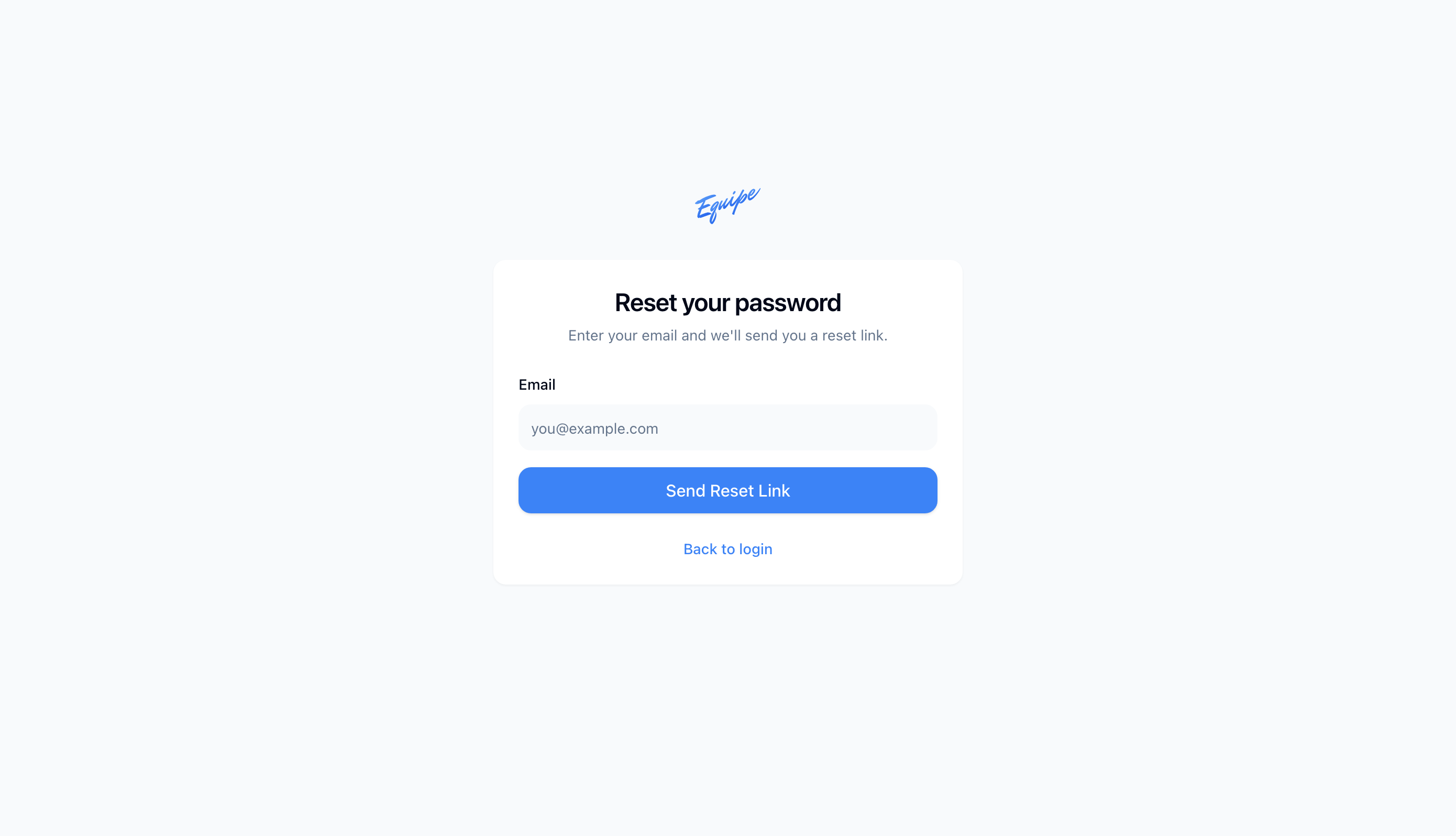
Request a reset link when you forget your password. Equipe sends the link to your email. On the phone apps, the link opens the web app to finish the reset.
- On the login page, click Forgot password?.
- Type your Email.
- Click Send Reset Link.
- Open the email and click the link.
- Type a New Password and a Confirm New Password, then click Update Password.
On iOS and Android, the reset link opens the web app, not the phone app. Set your new password there, then sign in on your phone.