Getting started
Sign out
End your session on the web app, iOS, or Android.
Who can use thisMemberRide leadAdminOwner
Sign out to end your session on that device. The app forgets your login and stops push notifications on that device. Your account, your clubs, and your rides stay as they are.
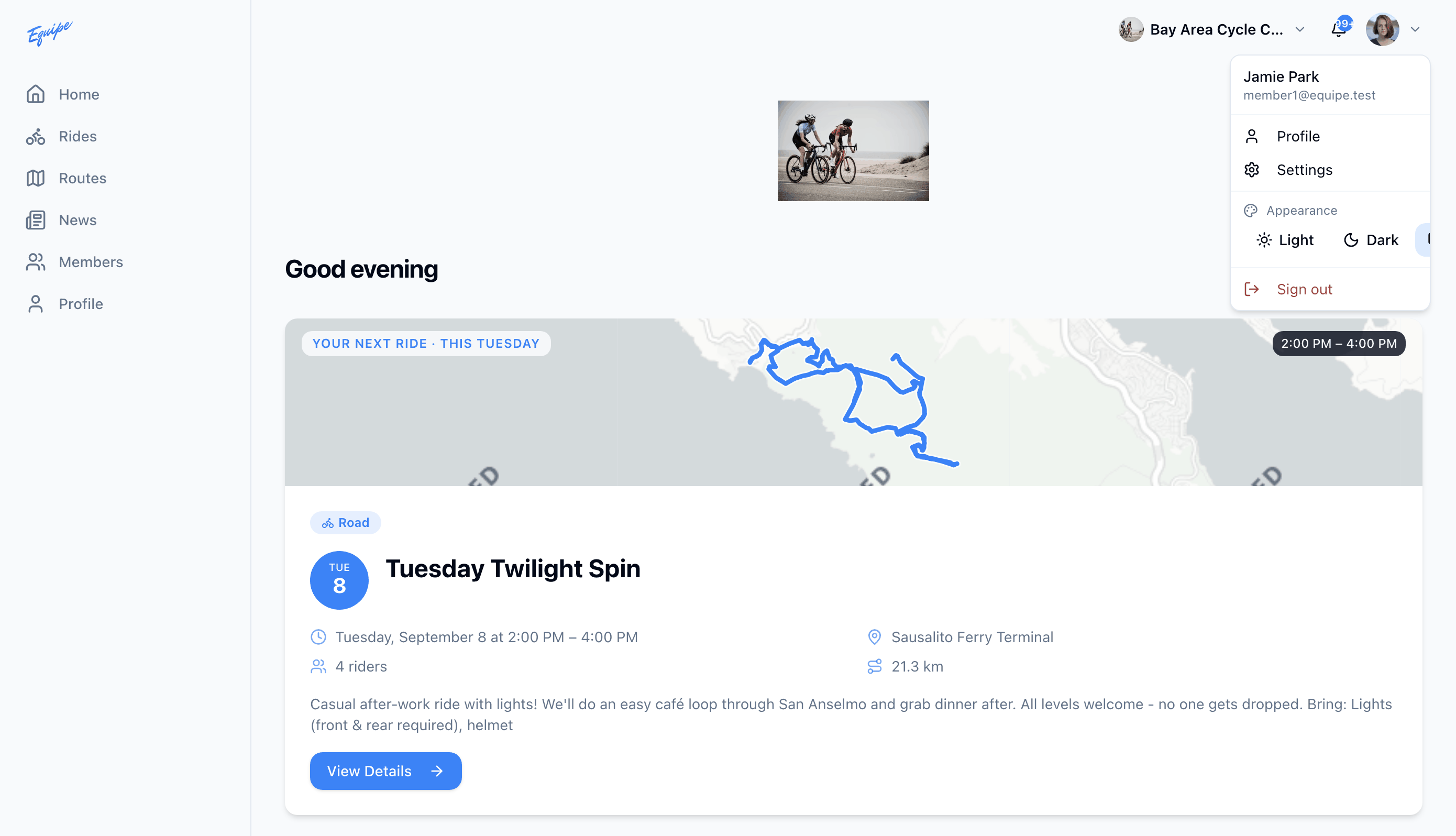
- Click your avatar in the top right corner.
- Click Sign out.
- Check that the login page opens.
To sign in again, see Sign in.