Getting started
Create your account
Set your name and password from your invitation link on the web app.
Who can use thisMemberRide leadAdminOwner
Create your account from your invitation link. You need this step only once, on the web app. The link fills in your invited email, so you only set your name and password.
- Open the invitation email and click the link.
- Click Create Account.
- If the page shows a Create Account form, type your full name and a password.
- If the page shows a Welcome to Equipe form, type your name and a new password.
- Click Create Account or Set Password.
- Check that the app shows Home.
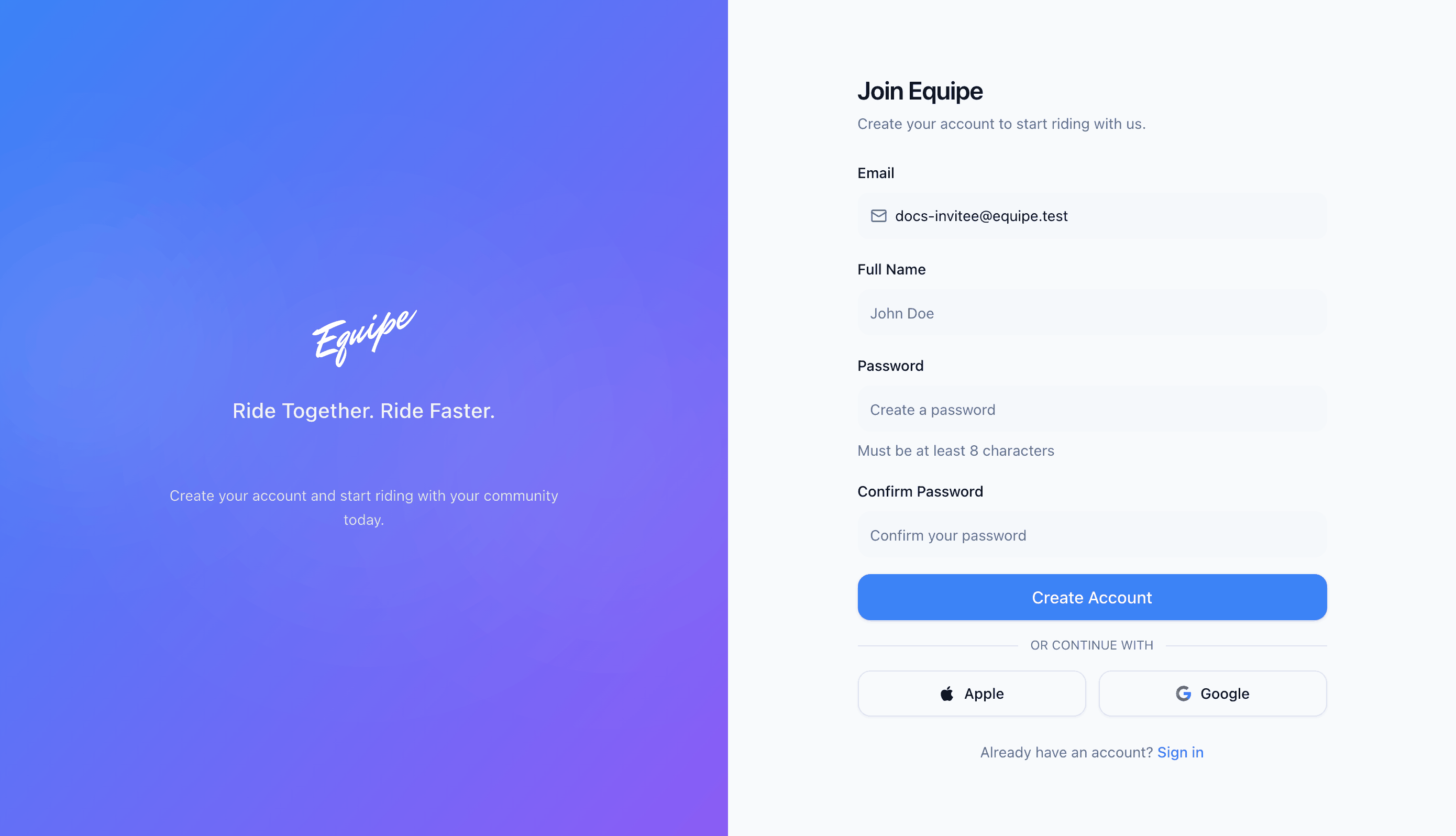
Your password needs at least 8 characters.