Club administration
Club settings
Edit the club name, logo, description, and Ride with GPS club ID.
Who can use thisOwner
The owner sets the club logo and brand color, and other members see them across the app. The web app also holds the club name, description, and Ride with GPS club ID. Mobile branding covers the logo and color only.
- Open Admin and click Settings.
- Click Upload Logo and choose an image.
- Type the club name and description under Club Information.
- Type the Ride with GPS Club ID if your club has one.
- Click Save Changes.
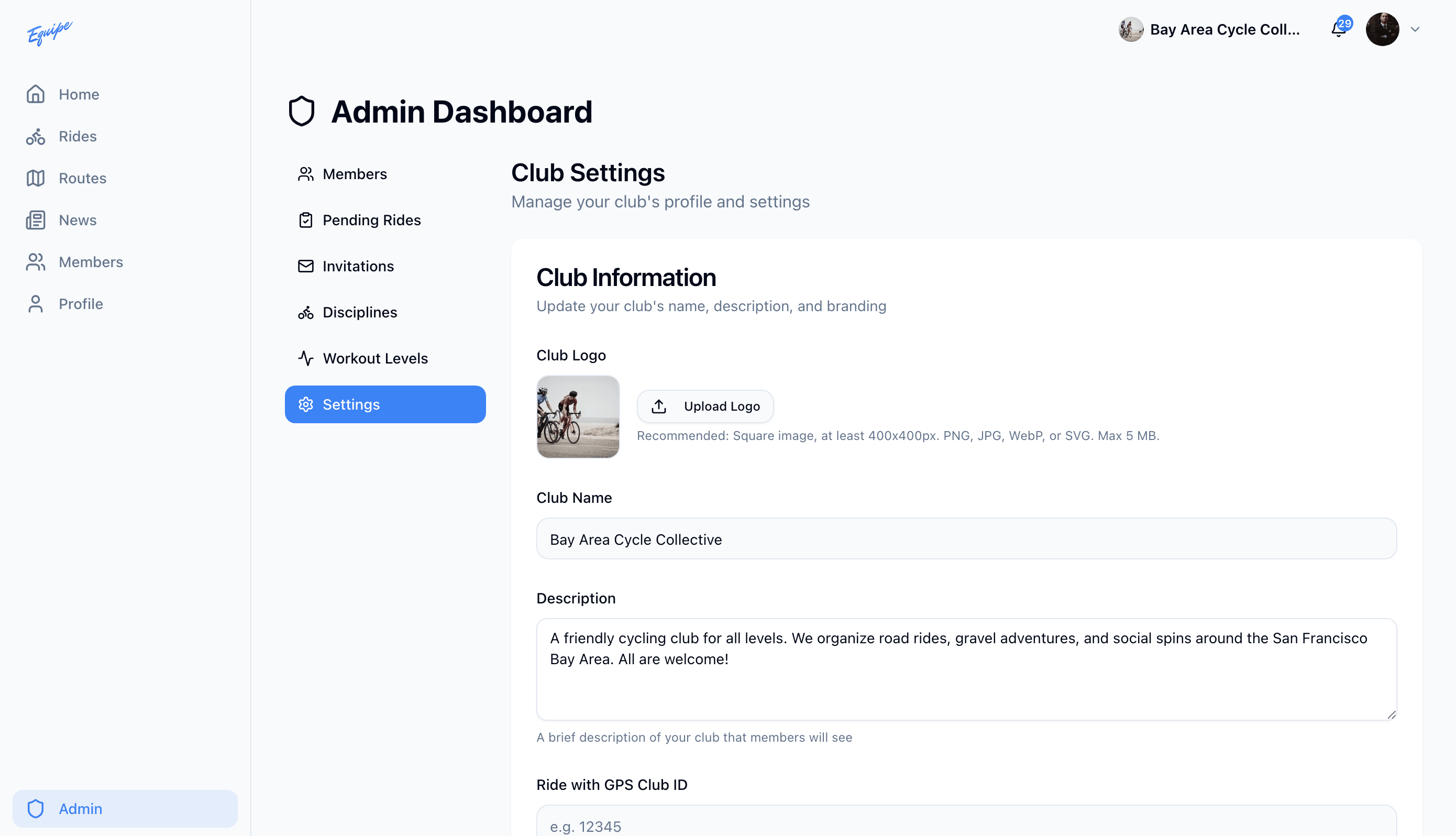
The club name, description, and Ride with GPS club ID are web only. Mobile apps edit the logo and color only.