Club administration
Invite members
Invite people to your club by email, or invite many at once from a spreadsheet.
Who can use thisOwner
Invite a person by email and role. Track every invitation until the person accepts it, and resend, copy, or revoke it at any time. To add many people at once, import a spreadsheet instead of inviting each one by hand.
- Open Admin and click Invitations.
- Click Invite Member.
- Type the email address and choose a role.
- Click Send Invitation.
- Find a pending invitation in the list, then click Resend Email, Copy Link, or the trash icon.
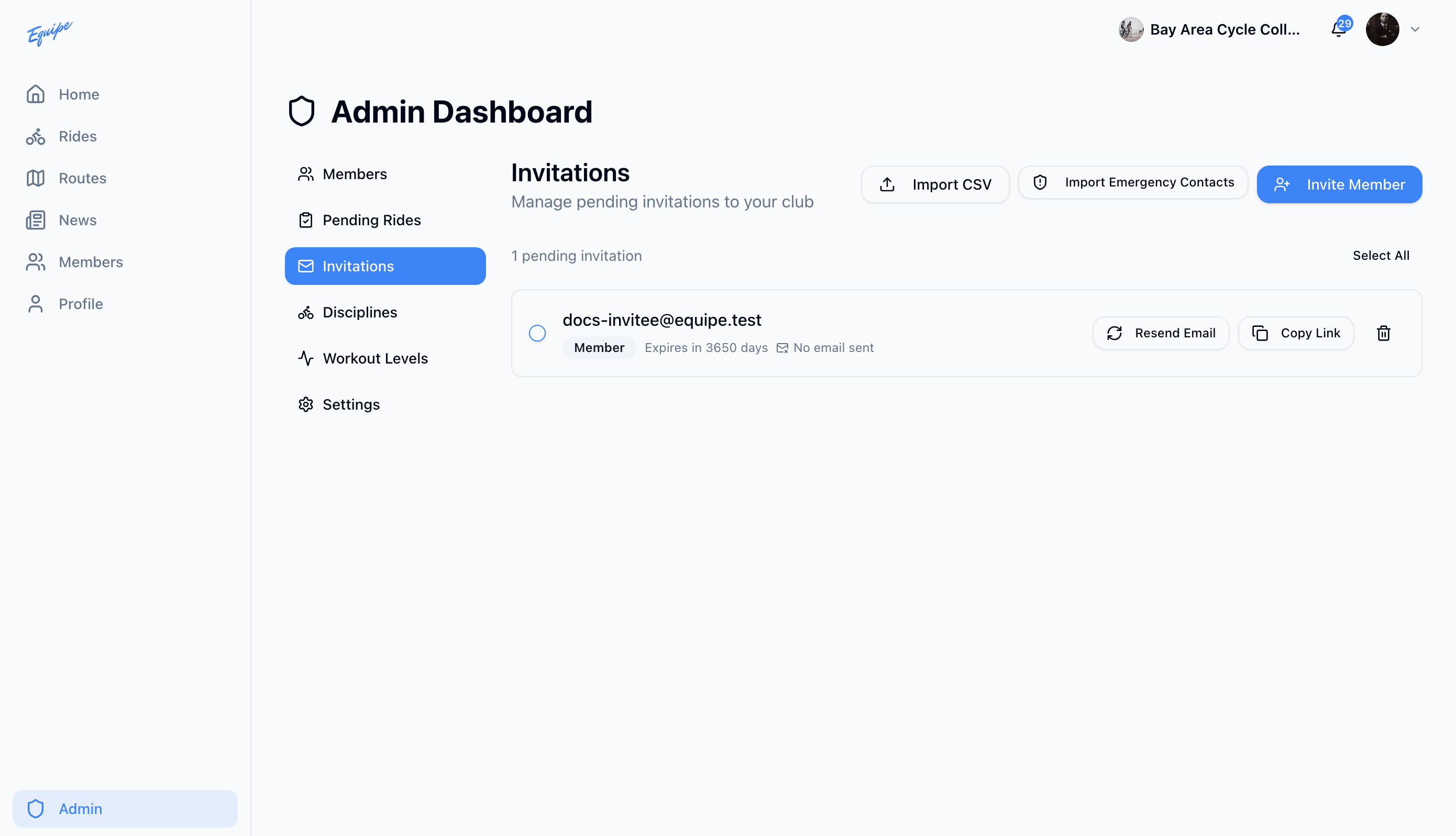
To invite many people at once, click Import CSV, upload a spreadsheet with an email column, and check the preview before you import.