Club administration
Ride lifecycle and check-in
Choose how rides start and end, and turn rider check-in on or off.
Who can use thisOwner
The owner chooses how rides move through their lifecycle. In Automatic mode, rides start and end on a timer. In Manual mode, the ride lead starts and ends each ride, and can check in riders. On mobile, a change saves right away. There is no separate save step.
- Open Admin and click Settings.
- Under Ride lifecycle, choose Automatic or Manual.
- Turn on Rider check-in if you use manual mode.
- Click Save Changes.
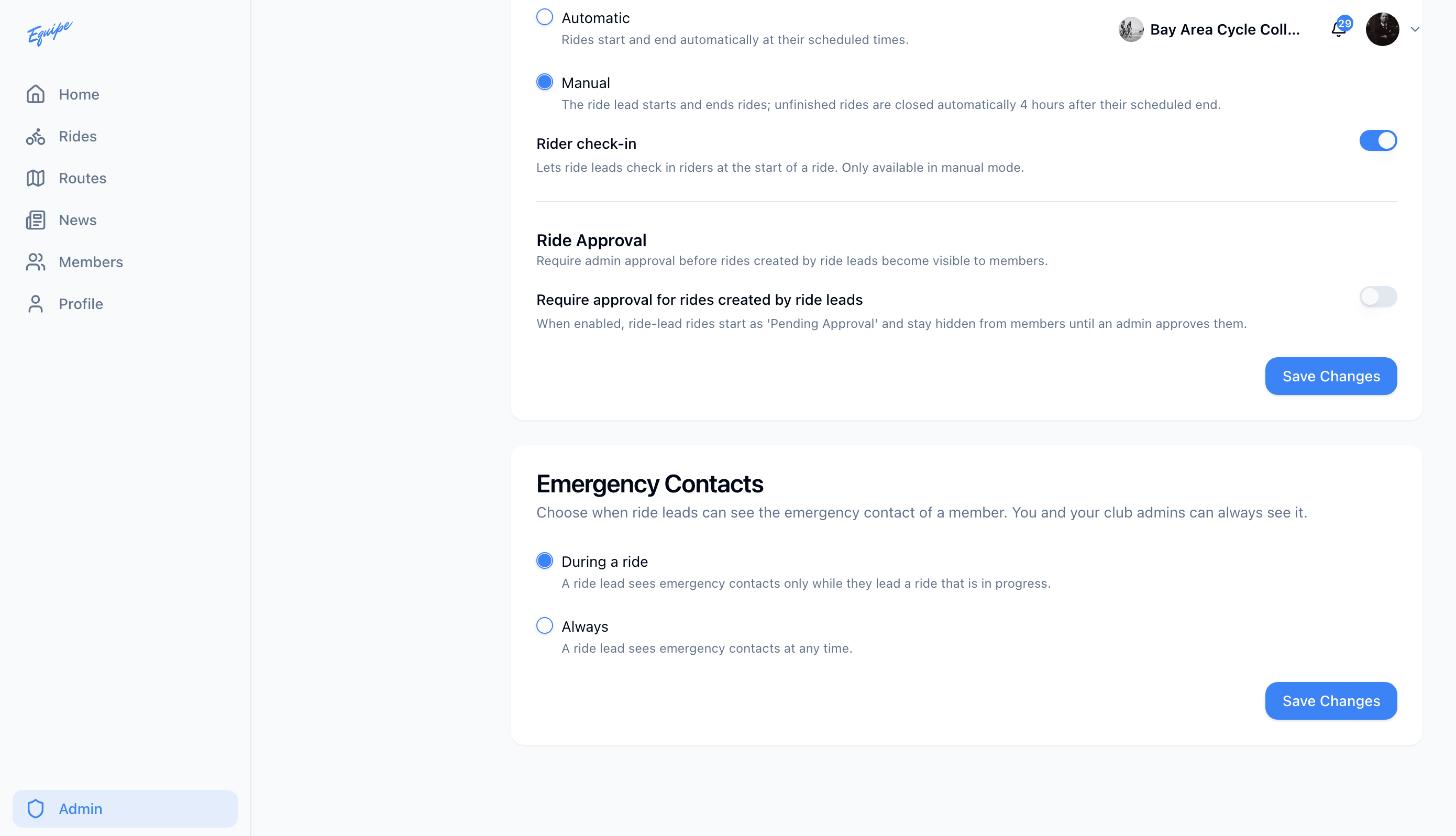
On the web, the same Settings page also lets an owner require admin approval before a ride lead's new ride becomes visible to members.