Club administration
Switch clubs and memberships
Move between clubs you belong to, or leave a club.
Who can use thisMemberRide leadAdminOwner
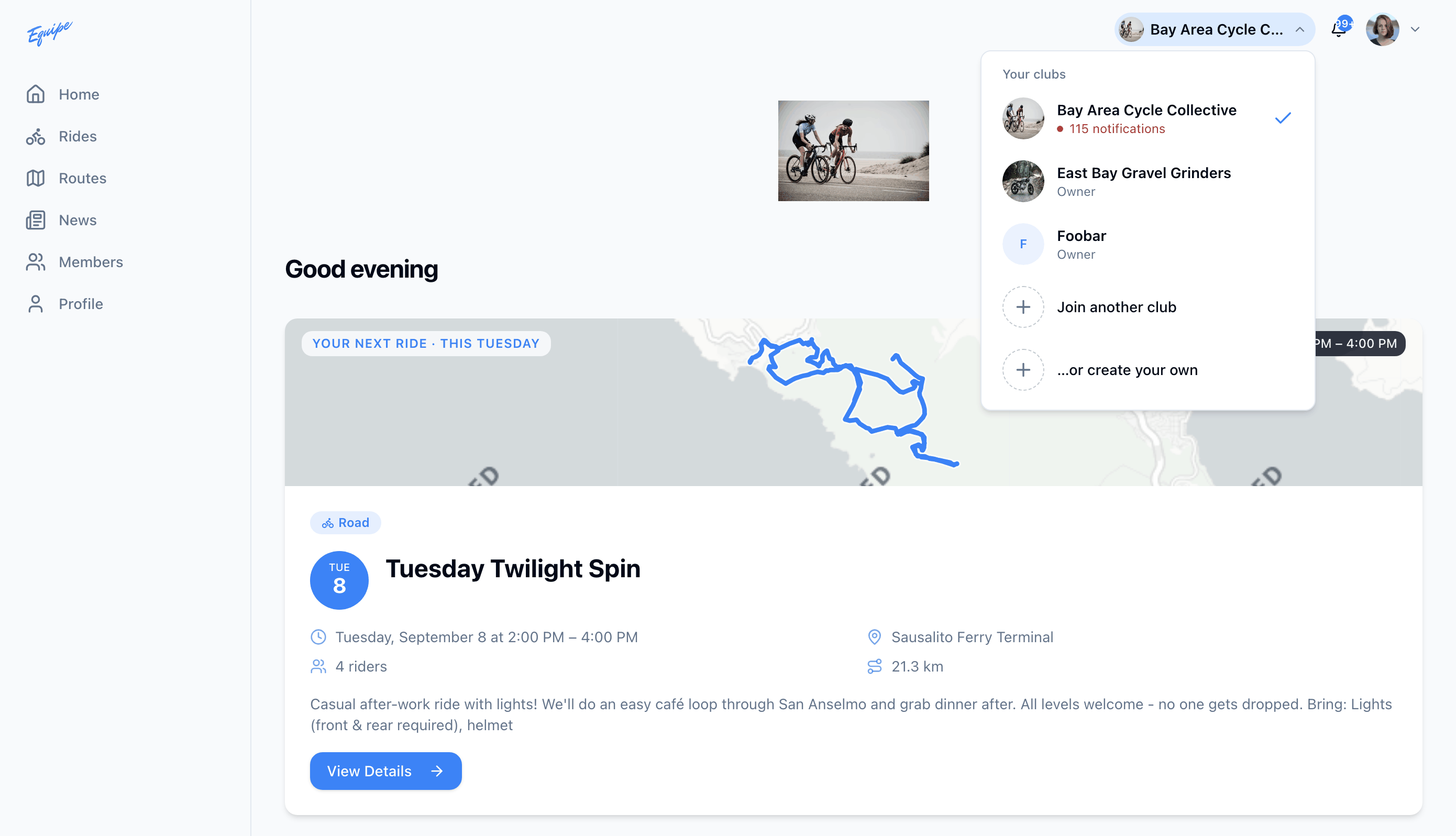
If you belong to more than one club, switch between them at any time. Every screen reloads for the club you switch to. Leave a club when you no longer want access to its rides, news, and members.
- Click the club name in the top left corner.
- Click the club you want to switch to.
- Click your avatar in the top right corner, then click Settings, to leave a club.
- Click Leave club and confirm.
If you leave your only club, you stay signed in, but you have no club access until someone invites you again.