Club administration
Manage disciplines
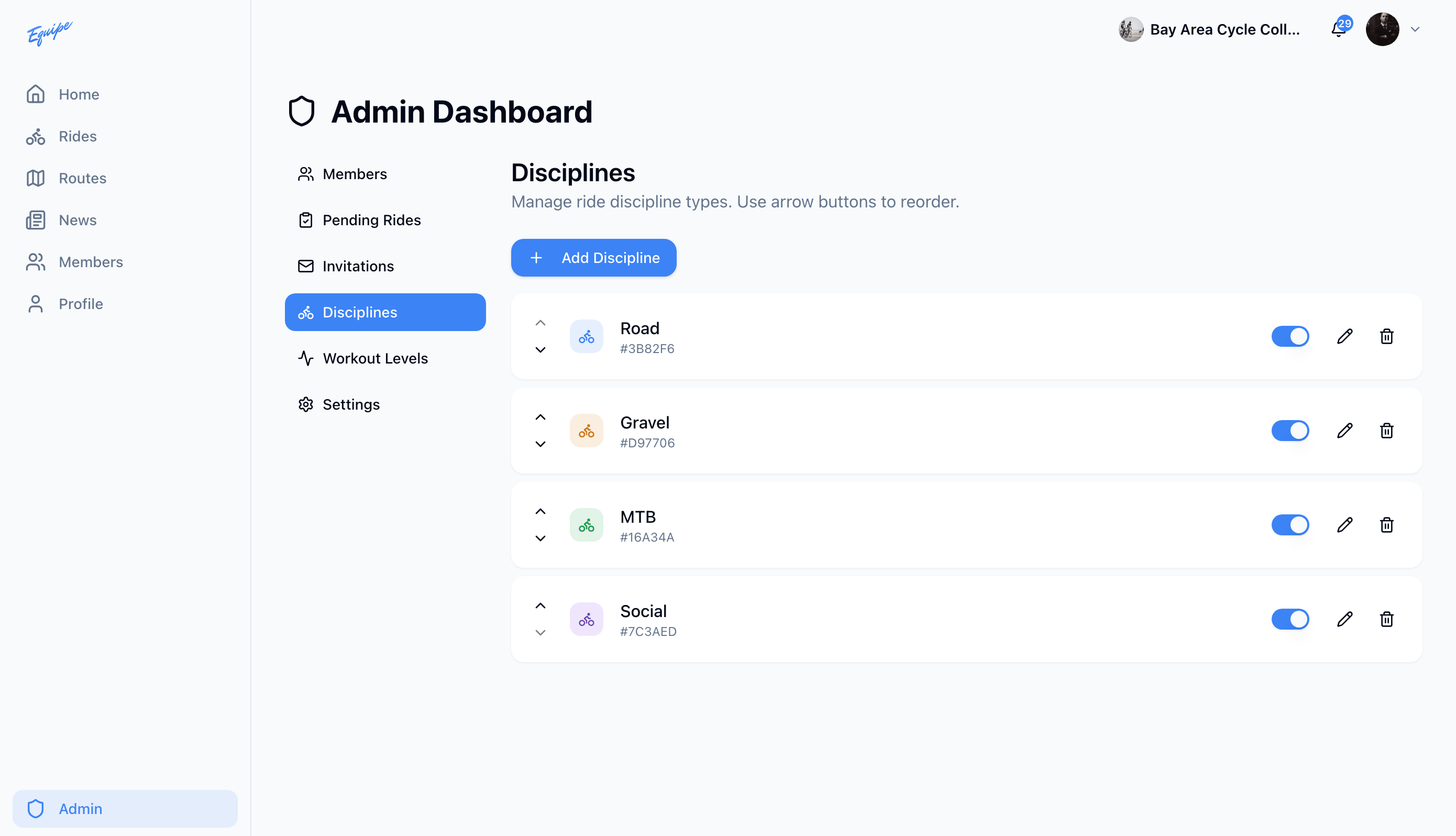
Add, edit, reorder, or turn off the ride types your club uses.
Who can use thisOwner
A discipline is a ride type, such as Road or Gravel. The owner sets the name, icon, and color for each one, and the order they show in. Turn off a discipline to hide it from new rides without deleting it.
- Open Admin and click Disciplines.
- Click Add Discipline.
- Type a name and choose an icon and color.
- Click Create.
- Use the up and down arrows to reorder a discipline.
Deleting a discipline removes it from rides that use it. Turn it off instead if you may need it again.