Members and profiles
Appearance
Choose Light, Dark, or System for the app's color theme.
Who can use thisMemberRide leadAdminOwner
Appearance sets the app's color theme. Choose Light, Dark, or System to match your device.
- Click your profile photo in the top bar and click Settings.
- Under Appearance, click Light, Dark, or System.
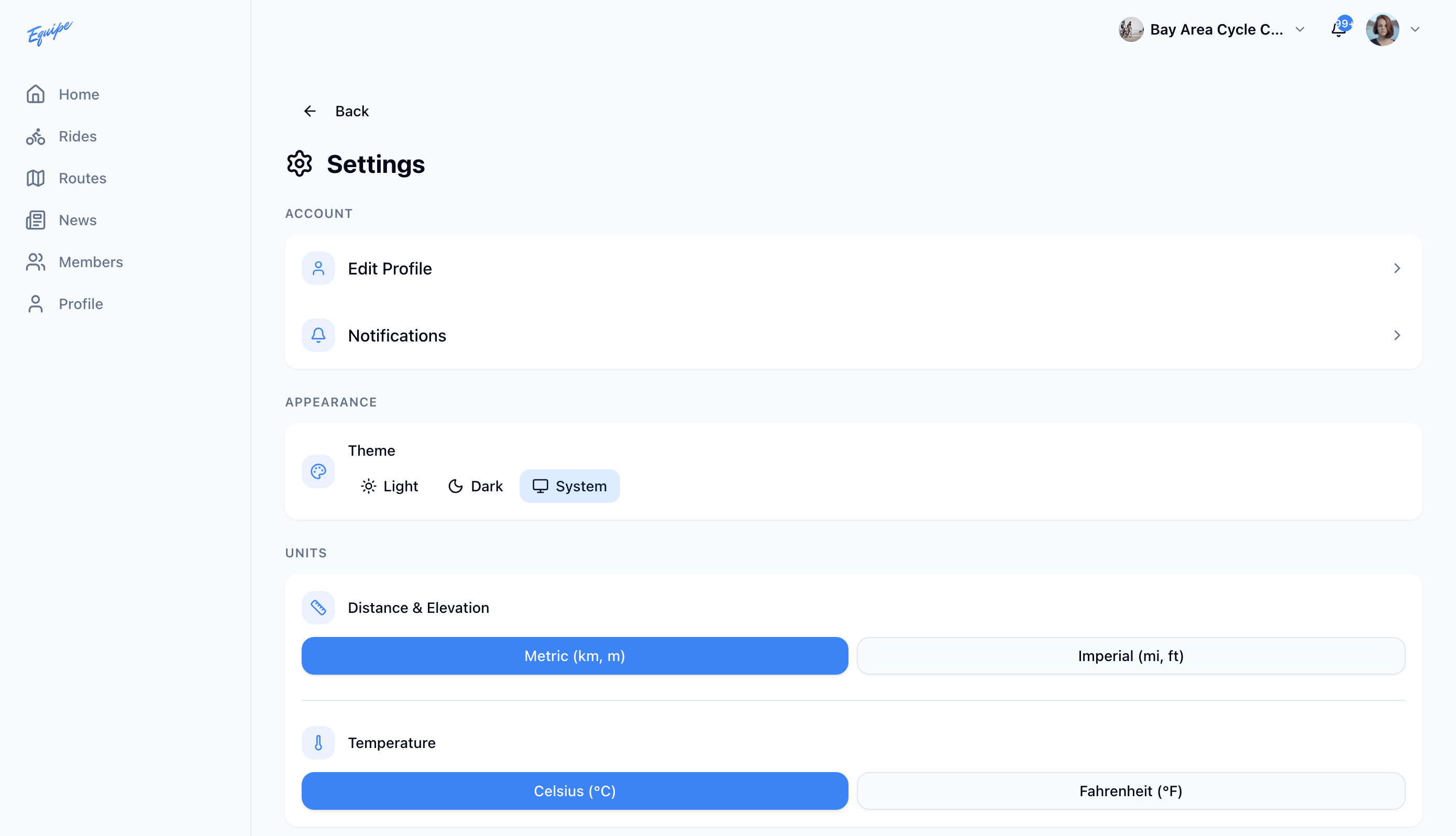
On the web, you can also change the theme from the account menu next to your name.