Members and profiles
Distance and temperature units
Choose metric or imperial units, and Celsius or Fahrenheit.
Who can use thisMemberRide leadAdminOwner
Units decide how the app shows distance, elevation, and temperature. Change them at any time, and the app applies them everywhere.
- Click your profile photo in the top bar and click Settings.
- Under Distance & Elevation, click Metric (km, m) or Imperial (mi, ft).
- Under Temperature, click Celsius (°C) or Fahrenheit (°F).
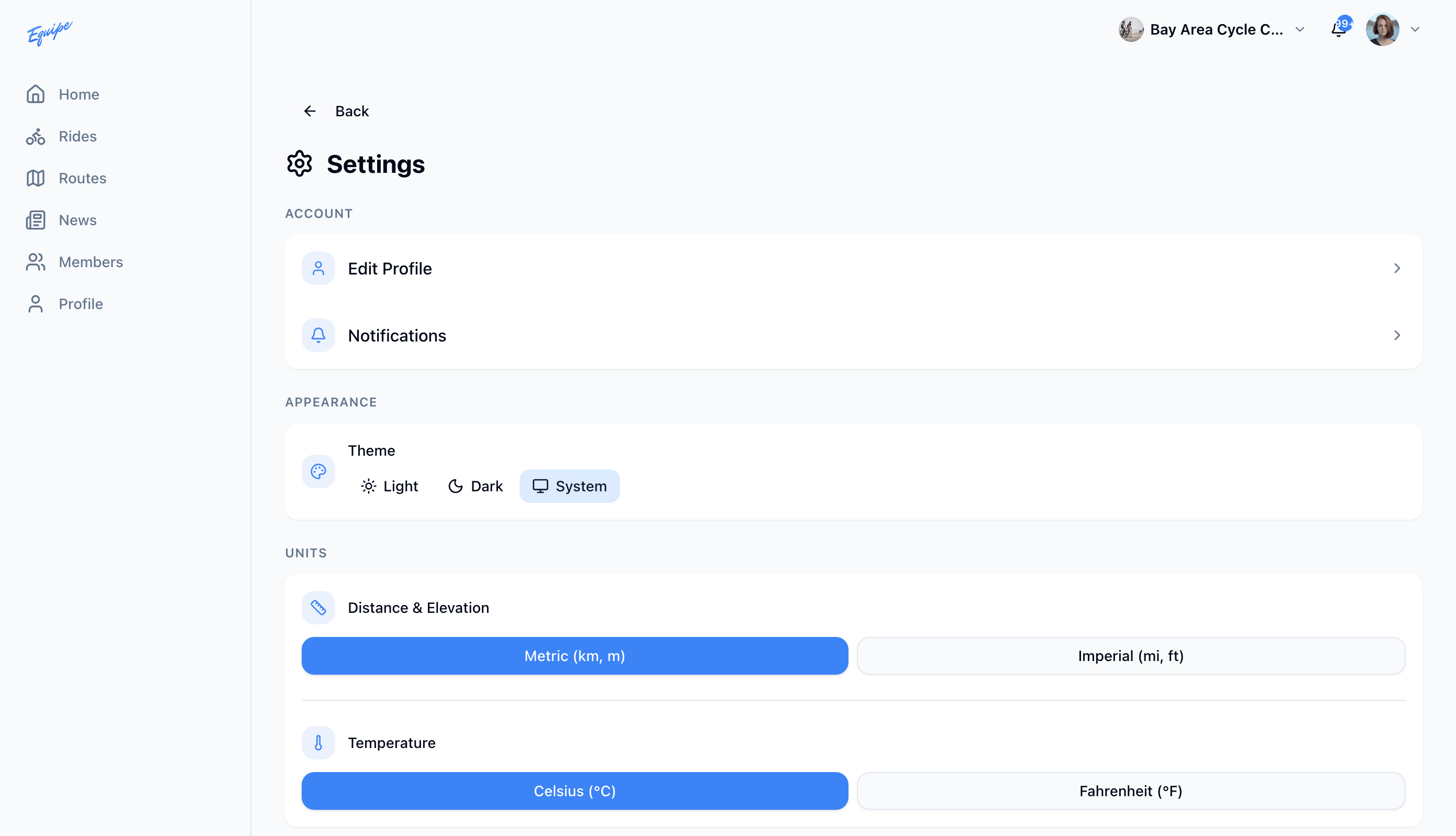
Your choice syncs to every device you sign in on.