Members and profiles
A member's profile
See a member's role, riding stats, past rides, and social links.
Who can use thisMemberRide leadAdminOwner
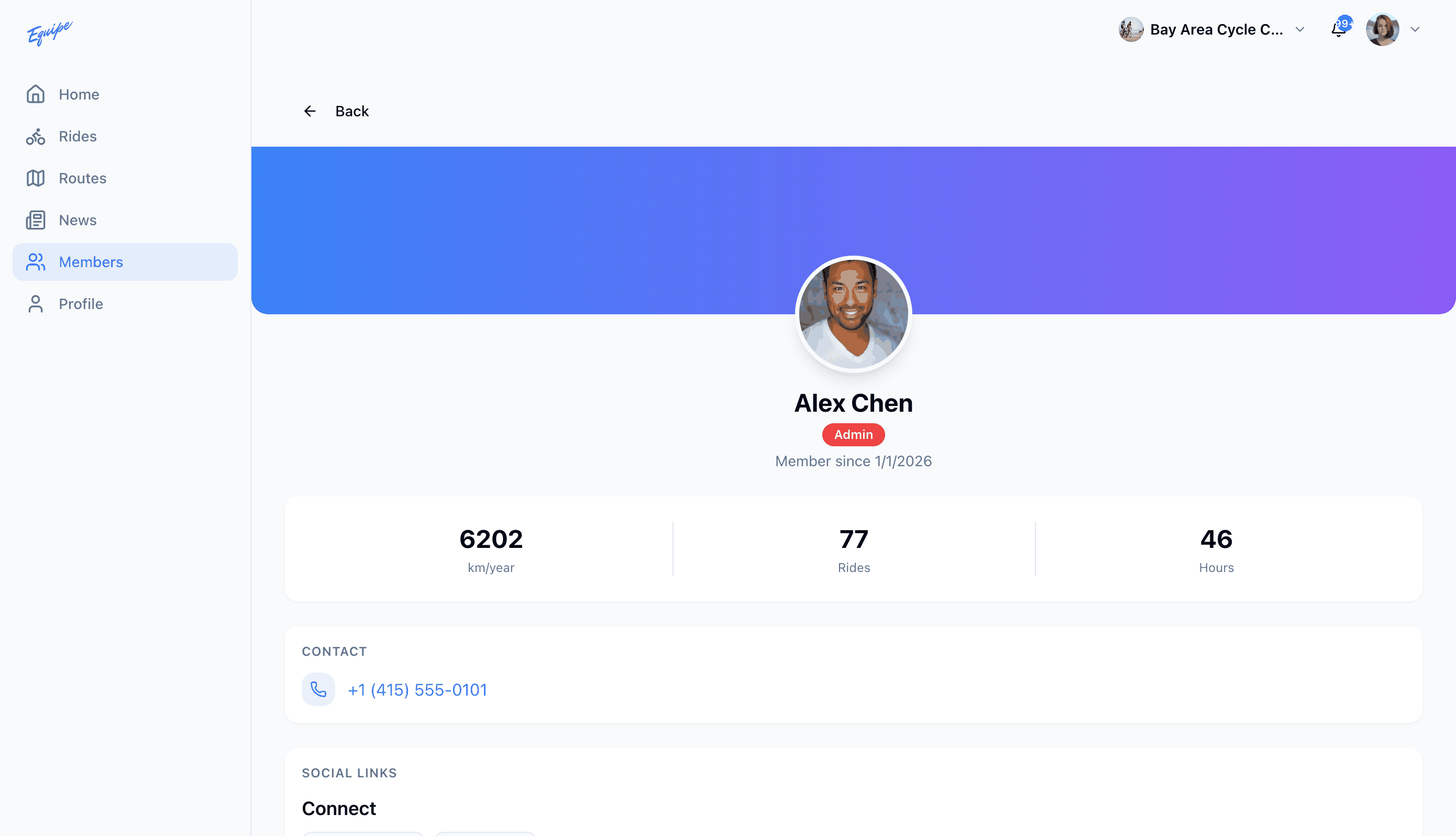
A member's profile shows their photo, role, and how long they have been a member. It also shows how far and how often they have ridden, their past rides, and links to their Strava or Ride with GPS profile.
- Open Members and click a member.
- Check the stats card for their distance, rides, and hours this year.
- Check Social Links for their Strava or Ride with GPS profile.
A Strava or Ride with GPS link shows only when that member adds it. See Your profile to add your own.