Members and profiles
Your profile
View your own profile and edit your name, phone, photo, and links.
Who can use thisMemberRide leadAdminOwner
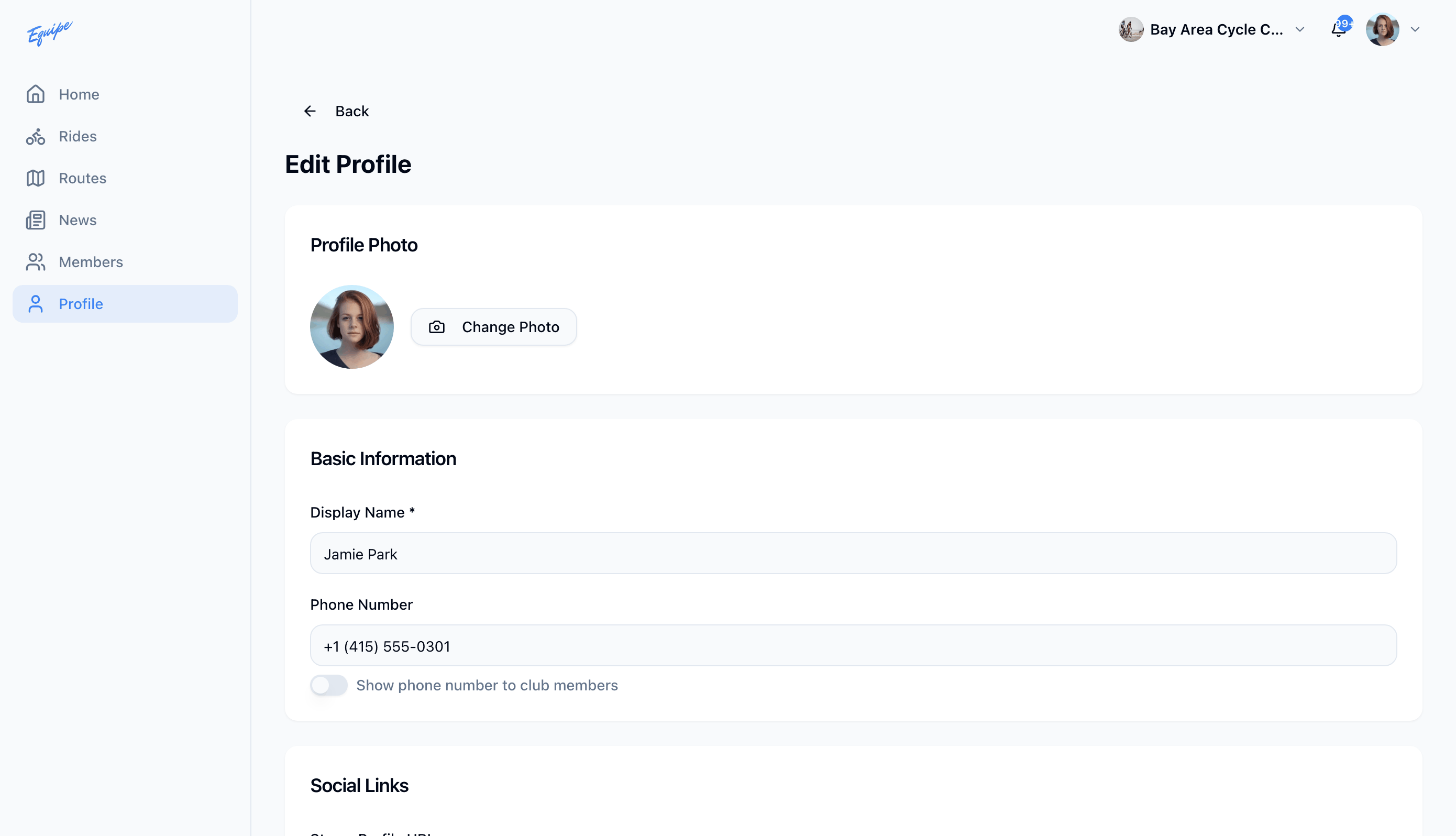
Your profile shows other members your name, role, and riding stats. Edit it to update your name, phone number, photo, social links, and emergency contact.
- Click your profile photo in the top bar and click Profile.
- Click Edit.
- Click Change Photo and choose a new photo.
- Update your name or phone number, then click Save Changes.
iOS cannot save a new profile photo yet. Change your photo on the web app or Android.