Members and profiles
Privacy settings
Choose what other members see on your profile.
Who can use thisMemberRide leadAdminOwner
Privacy settings decide whether other members see your phone number, email address, or social links on your profile. Change them from the edit profile screen.
- Click your profile photo in the top bar and click Profile.
- Click Edit.
- Turn Show phone number to club members on or off.
- Click Save Changes.
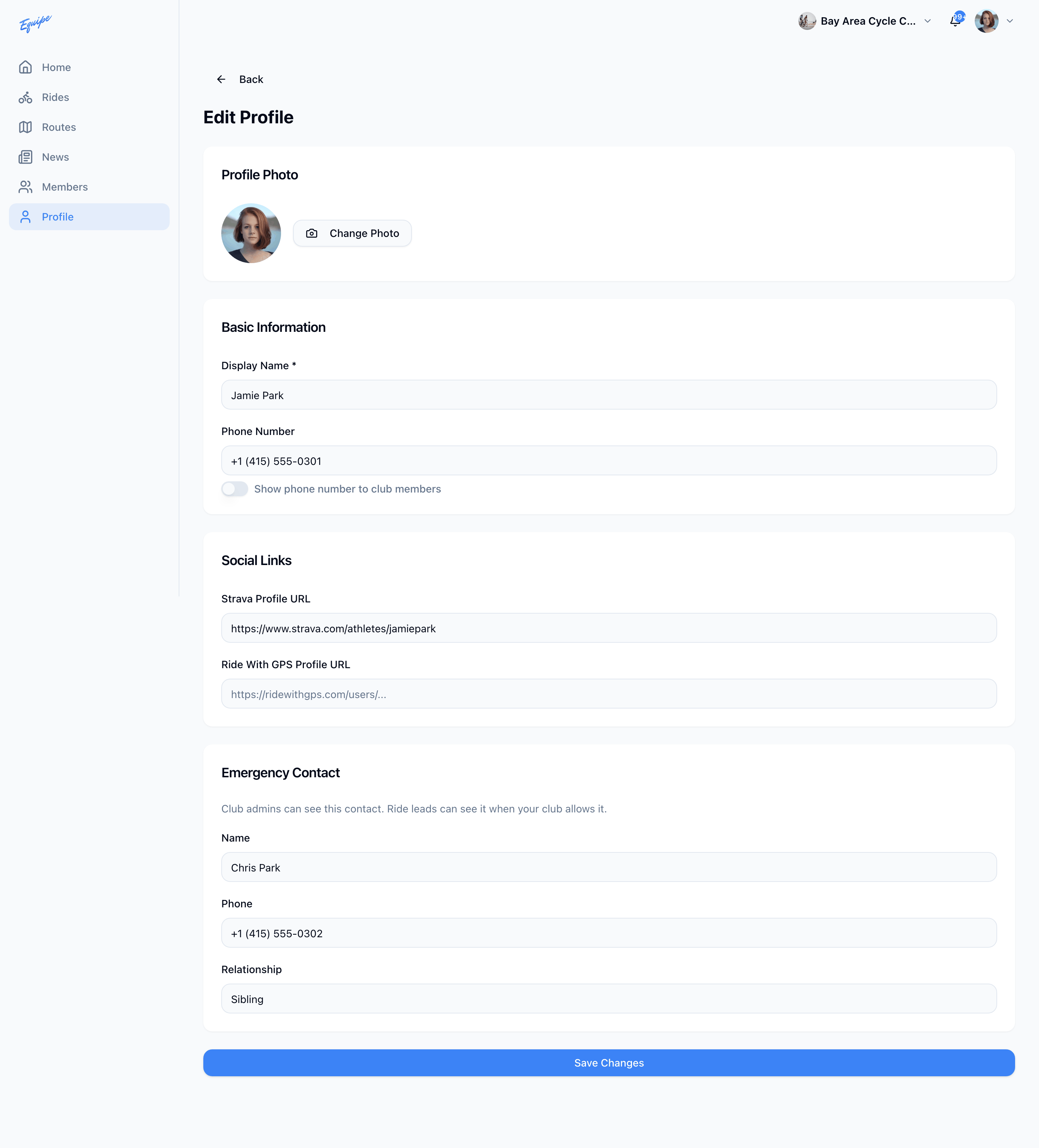
Your club decides who can see your emergency contact. A Show Emergency Contact toggle does not change this.
Turning on Show Email Address does not show your email address on iOS today.