Members and profiles
Contact details and privacy
See when a member's phone number and email address show on their profile.
Who can use thisMemberRide leadAdminOwner
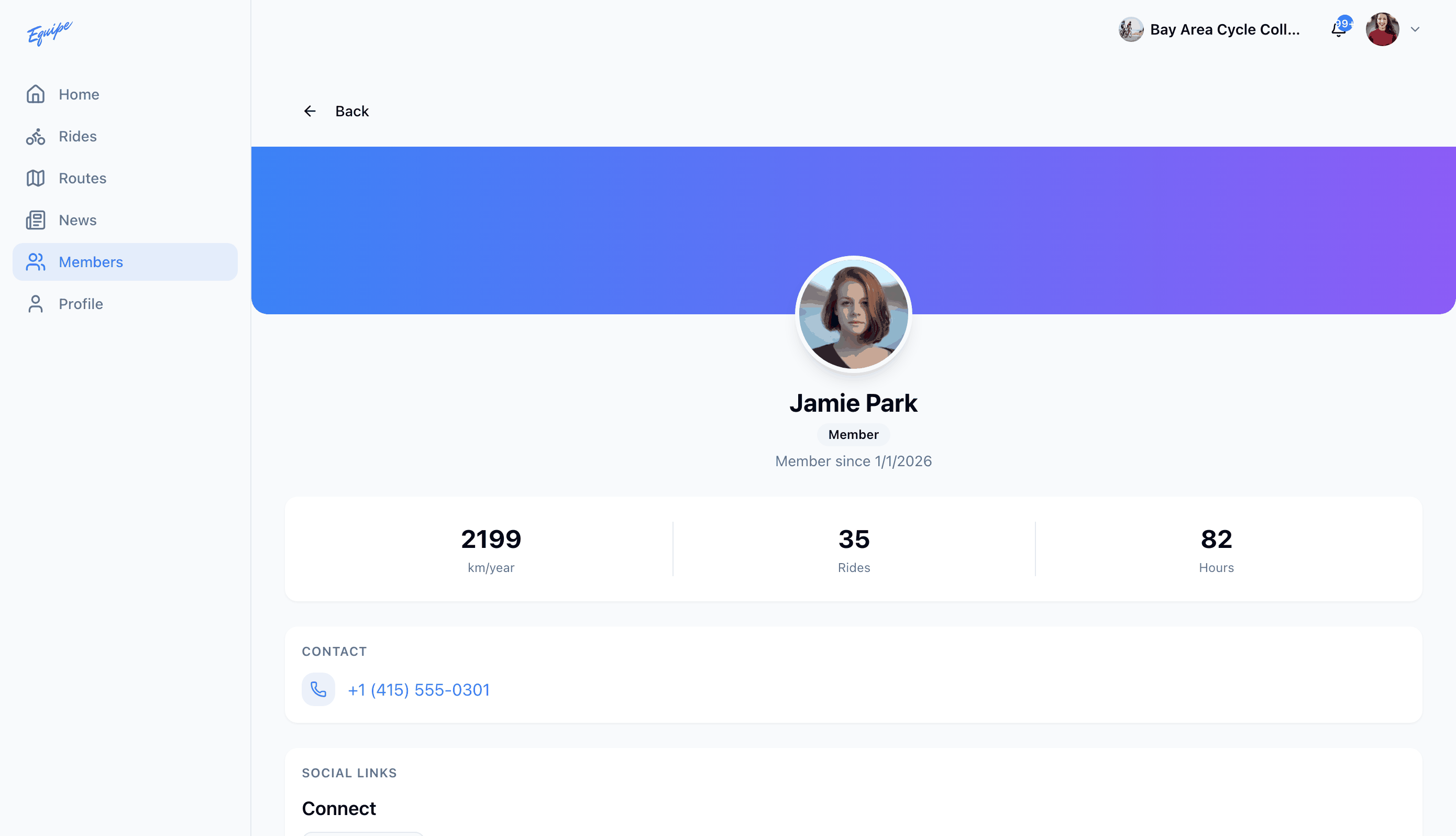
A member's phone number can show on their profile. Each member turns this on or off for themselves, in their own privacy settings. You always see your own contact details.
- Open Members and click a member.
- Check the Contact section for their phone number.
- Click the phone number to call it.
Turn your own phone number and email address on or off in Privacy settings.
The web app and iOS do not show a member's email address on their profile.