Leading rides
Cancel a ride
Call off a scheduled ride and tell every participant why.
Who can use thisRide leadAdminOwner
The ride lead, a co-lead, or an admin can cancel a scheduled ride. Every participant gets a notification, and your reason shows in it. An admin can cancel any ride in the club, not only rides they lead.
- Open the ride.
- Click More, then click Cancel Ride.
- Type a reason.
- Click Yes, Cancel Ride.
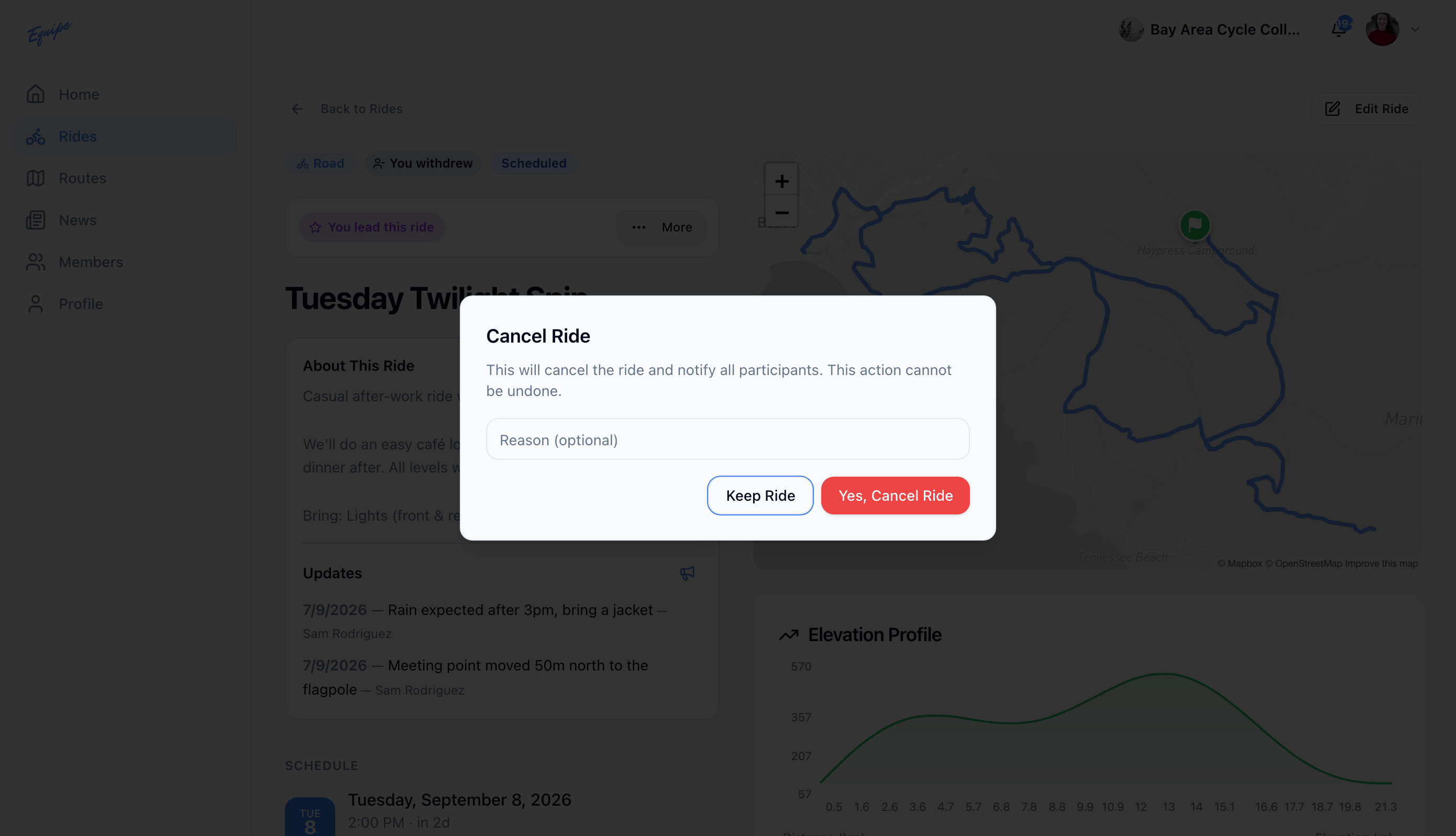
A canceled ride cannot be reopened. To handle a smaller change, such as a new meeting point, send a ride update instead.