Leading rides
Co-leads
Add a second ride lead to a ride, with admin or owner access.
Who can use thisAdminOwner
An admin or owner can add one or more co-leads to a ride. A co-lead has the same rights as the primary lead on that ride, including editing, cancelling, and running it. A plain ride lead cannot add co-leads.
- While creating or editing a ride, find Co-leads (optional).
- Click Add co-lead....
- Check the members to add as co-leads.
- Click Create Ride or Save Changes.
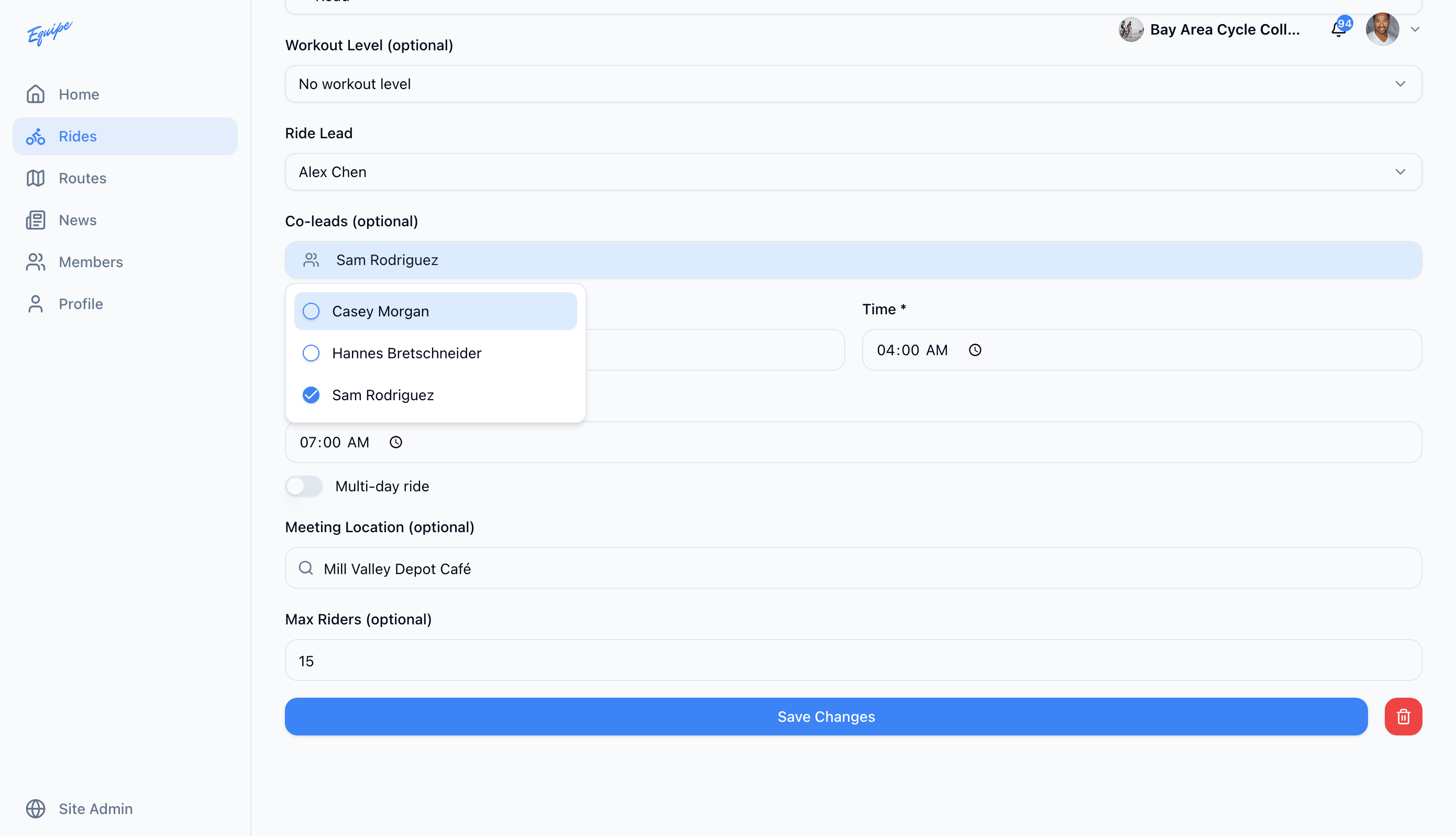
The co-lead list only shows members with ride lead access or higher. It never includes the primary lead you already picked.