Leading rides
Ride approval
Approve or reject a ride before it becomes visible to members.
Who can use thisRide leadAdminOwner
A club can require an admin to approve a new ride before members see it. A ride lead who creates a ride under this setting sees a notice that the ride needs approval. Only an admin or owner can approve or reject it.
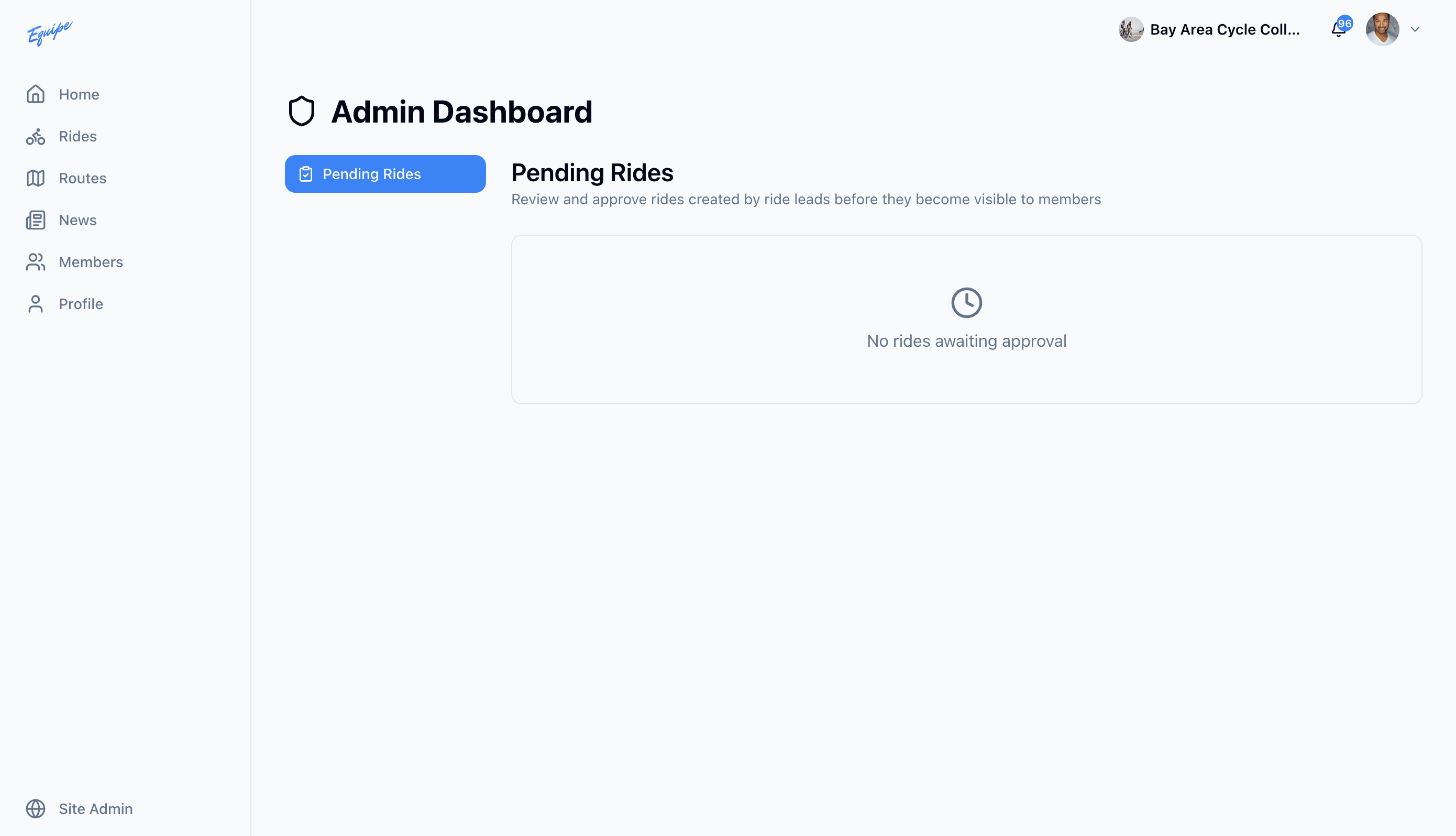
- Open Admin, then open Pending Rides.
- Find the ride in the list.
- Click the check icon to approve it, or the X icon to reject it.
- If you reject it, type a reason and click Reject Ride.
Rejecting a ride cancels it and notifies the ride lead. This cannot be undone.