Leading rides
Send a ride update
Tell every participant about a change, such as a new meeting point.
Who can use thisRide leadAdminOwner
The ride lead, a co-lead, or an admin can send a ride update. Every participant gets a notification, and the update stays on the ride under Updates for later reference.
- Open the ride and click More.
- Click Send ride update.
- Type your message under Updates.
- Click Send.
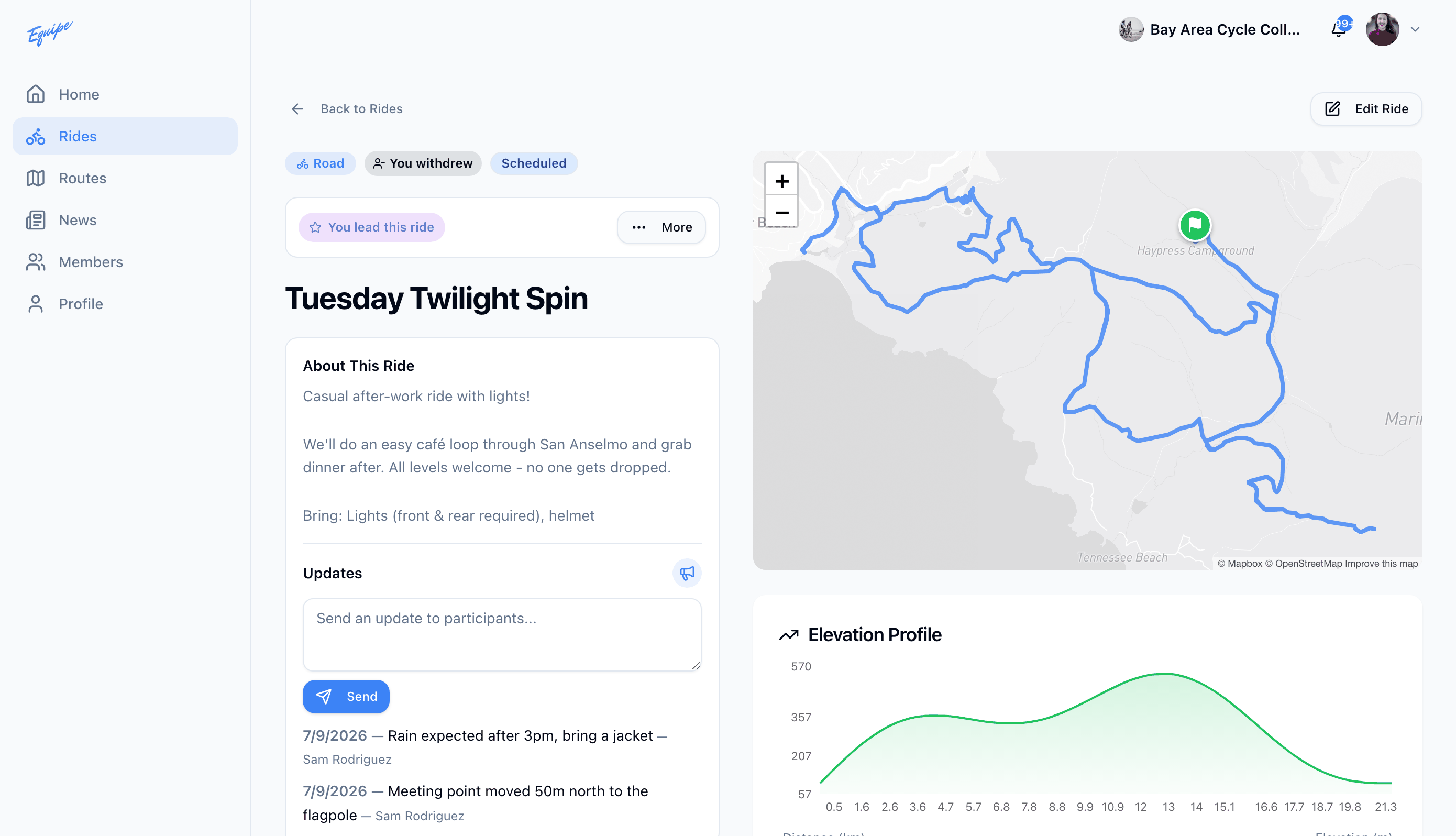
You can delete an update you sent. Deleting an update cannot be undone.