Leading rides
Participants
See who is going, waitlisted, or interested in a ride.
Who can use thisMemberRide leadAdminOwner
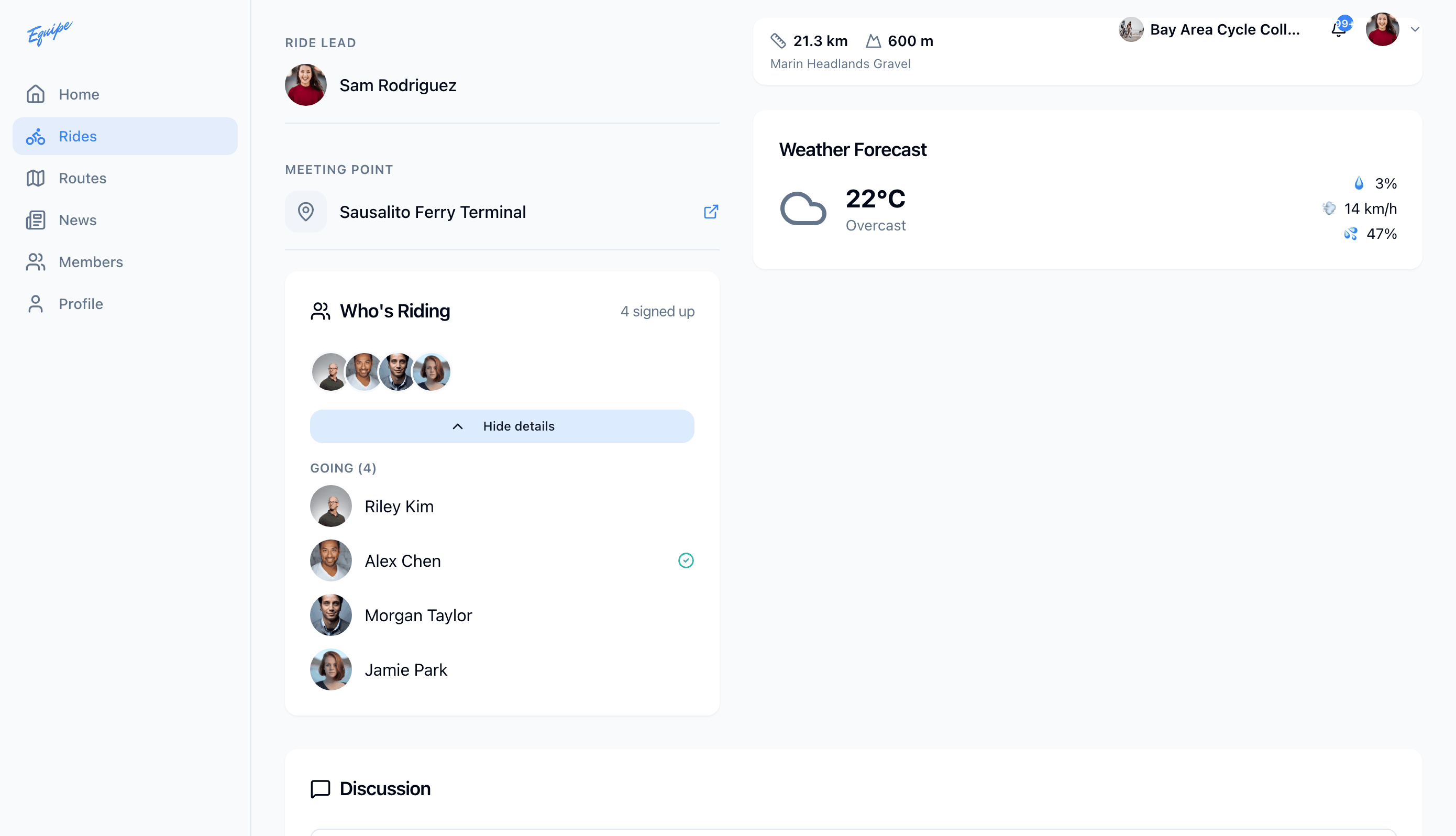
Every ride shows who joined, who is on the waitlist, and who is interested. A ride lead or admin can also move a waitlisted or interested rider onto the ride. A lead can reach a rider by phone or message from the check-in screen on the phone.
- Open the ride.
- Find
Who's Ridingfor the avatar strip and the signed-up count. - Click Show all riders to see the Going, Waitlist, and Interested groups.
- As a lead or admin, click Add to ride next to a waitlisted or interested rider.
To call or message a rider, open Check in riders on the phone. See Check in riders.