Leading rides
Recurring rides
Repeat a ride on a weekly, biweekly, or monthly schedule.
Who can use thisRide leadAdminOwner
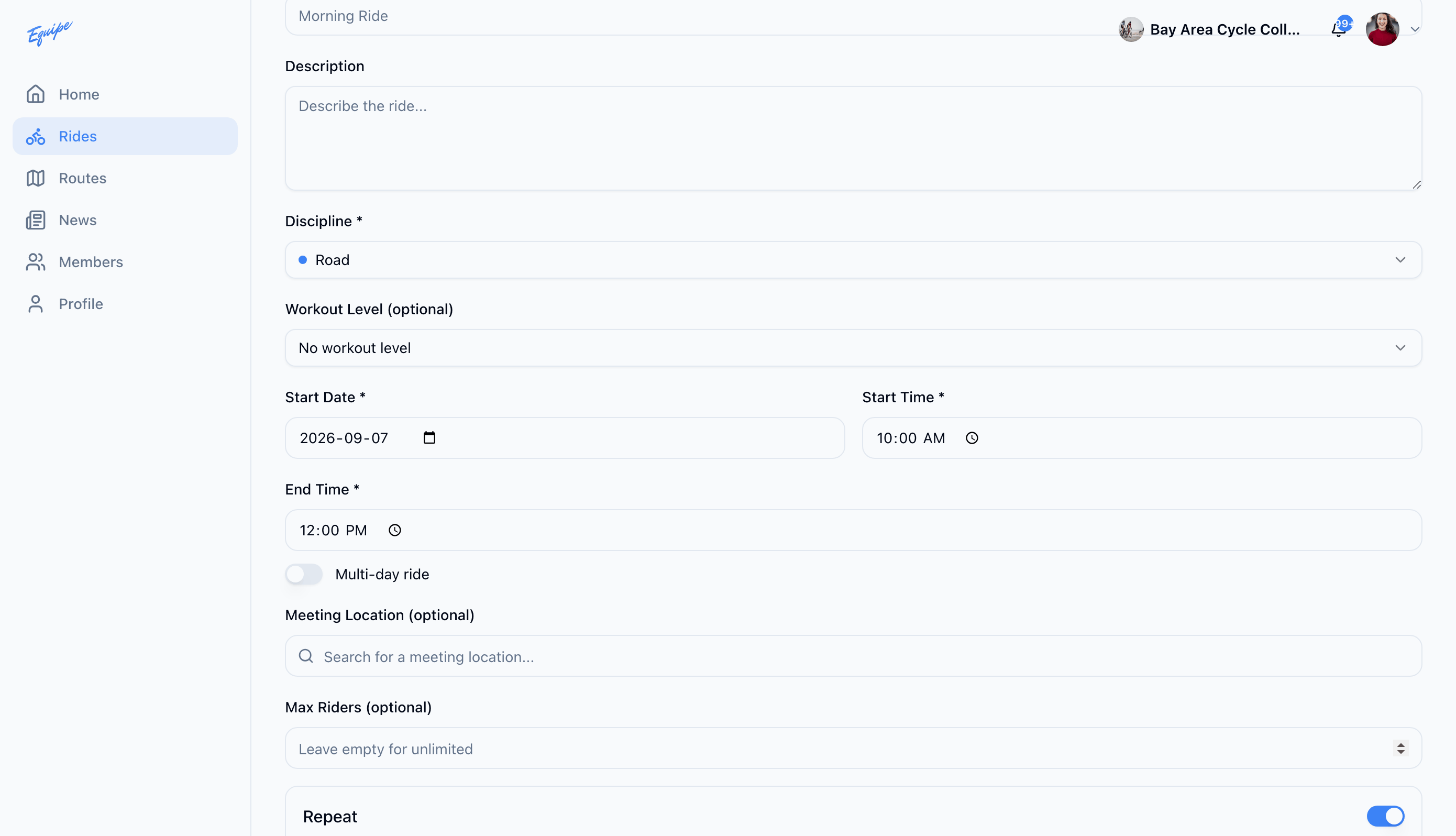
Turn on Repeat while you create a ride to generate future rides on a schedule. Each occurrence is its own ride. When you edit or delete a ride in the series, you choose the scope. Apply the change to only that ride, or to this and all future rides.
- While creating a ride, turn on Repeat.
- Choose a Frequency: Weekly, Biweekly, or Monthly.
- Under Ends, choose Never, After a number of rides, or On a date.
- Click Create Ride to generate the series.
- To change one ride in the series, open it and click Edit Ride or the trash icon.
- In the dialog, choose Only This Ride or This and All Future Rides.
On Android, editing or deleting a ride in a series always changes only that one ride. There is no dialog to apply the change to future rides. Use the web app or iOS to change a whole series.