Leading rides
Delete a ride
Remove a ride that has not started yet.
Who can use thisRide leadAdminOwner
The ride lead, a co-lead, or an admin can delete a ride before it starts. You cannot delete a ride that is in progress or completed. All participants get a notification when you delete the ride.
- Open the ride and click Edit Ride.
- Click the trash icon next to Save Changes.
- Click Delete to confirm.
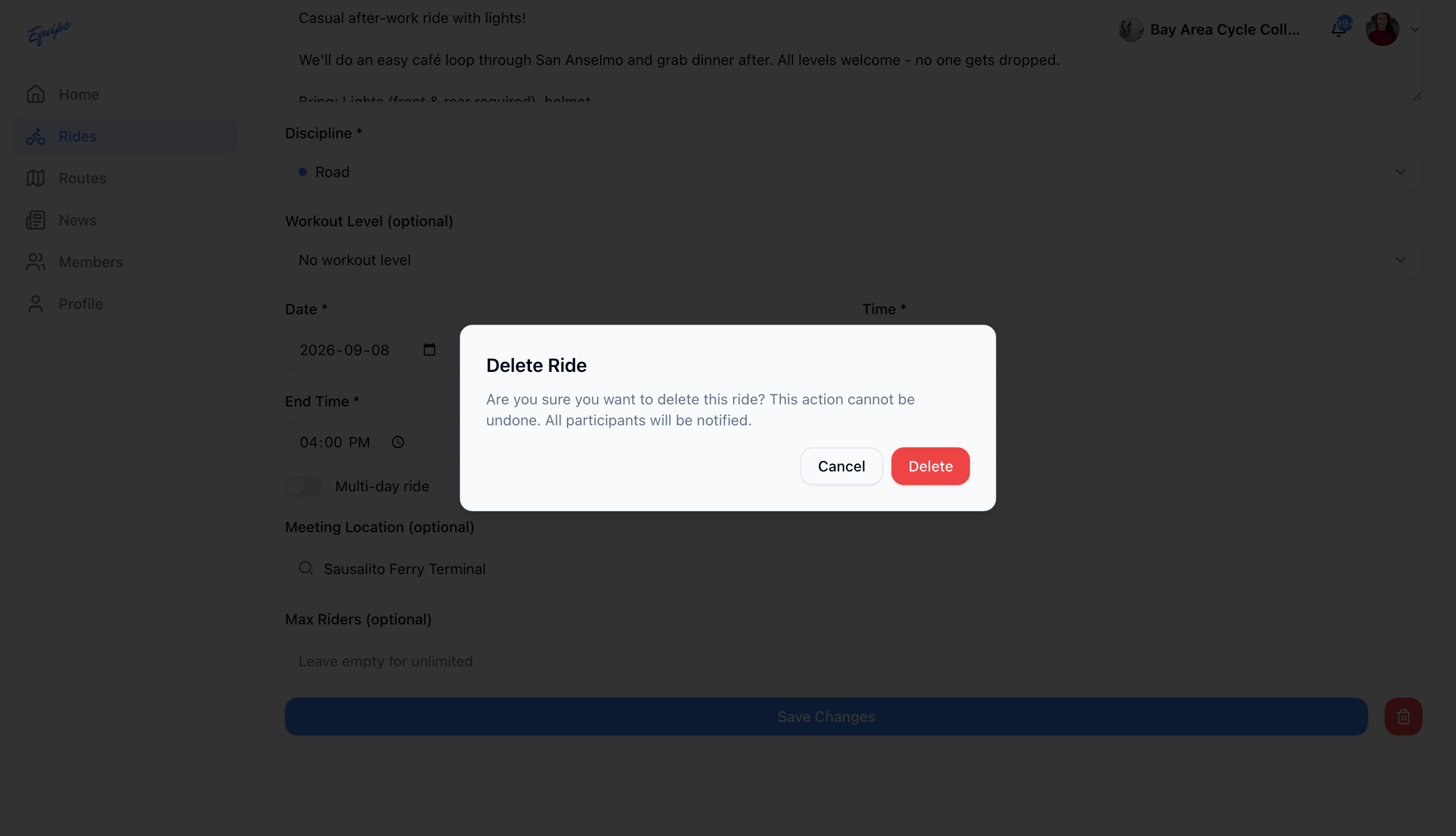
Deleting a ride cannot be undone. To keep the ride but tell participants about a change, send a ride update instead. See Send a ride update.