Leading rides
Edit a ride
Change the title, route, time, location, or capacity of a ride.
Who can use thisRide leadAdminOwner
The ride lead, a co-lead, or an admin can edit a ride. An admin can edit any ride in the club, not only rides they lead, and can reassign the ride lead or the co-leads. If the ride repeats, you choose whether the change applies to one ride or to the series. See Recurring rides.
- Open the ride and click Edit Ride.
- Change the title, description, discipline, or workout level.
- Change the date, time, location, or Max Riders.
- If you are an admin, change the Ride Lead or Co-leads.
- Click Save Changes.
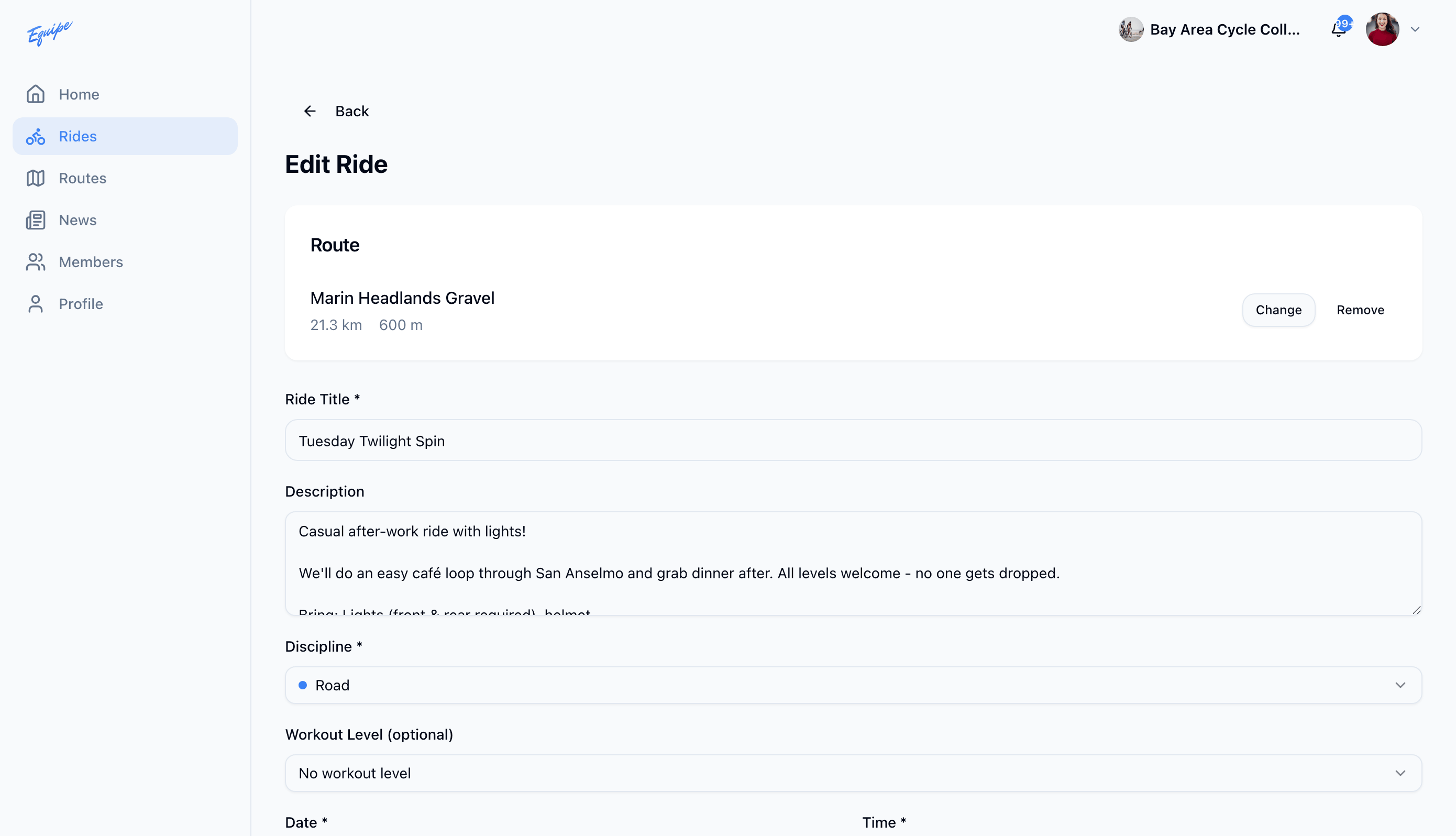
You can also change the route from the edit form. Choose a route from the library or remove the current route.