Rides
Browse rides
See the rides your club has planned, grouped by date.
Who can use thisMemberRide leadAdminOwner
The rides list shows every ride your club has planned. Rides group by date, with the soonest ride first. Use the Upcoming, Past, and All tabs to change which rides show.
- Click Rides in the sidebar.
- Click Upcoming, Past, or All to choose which rides show.
- Check that the list shows a ride card for each date group.
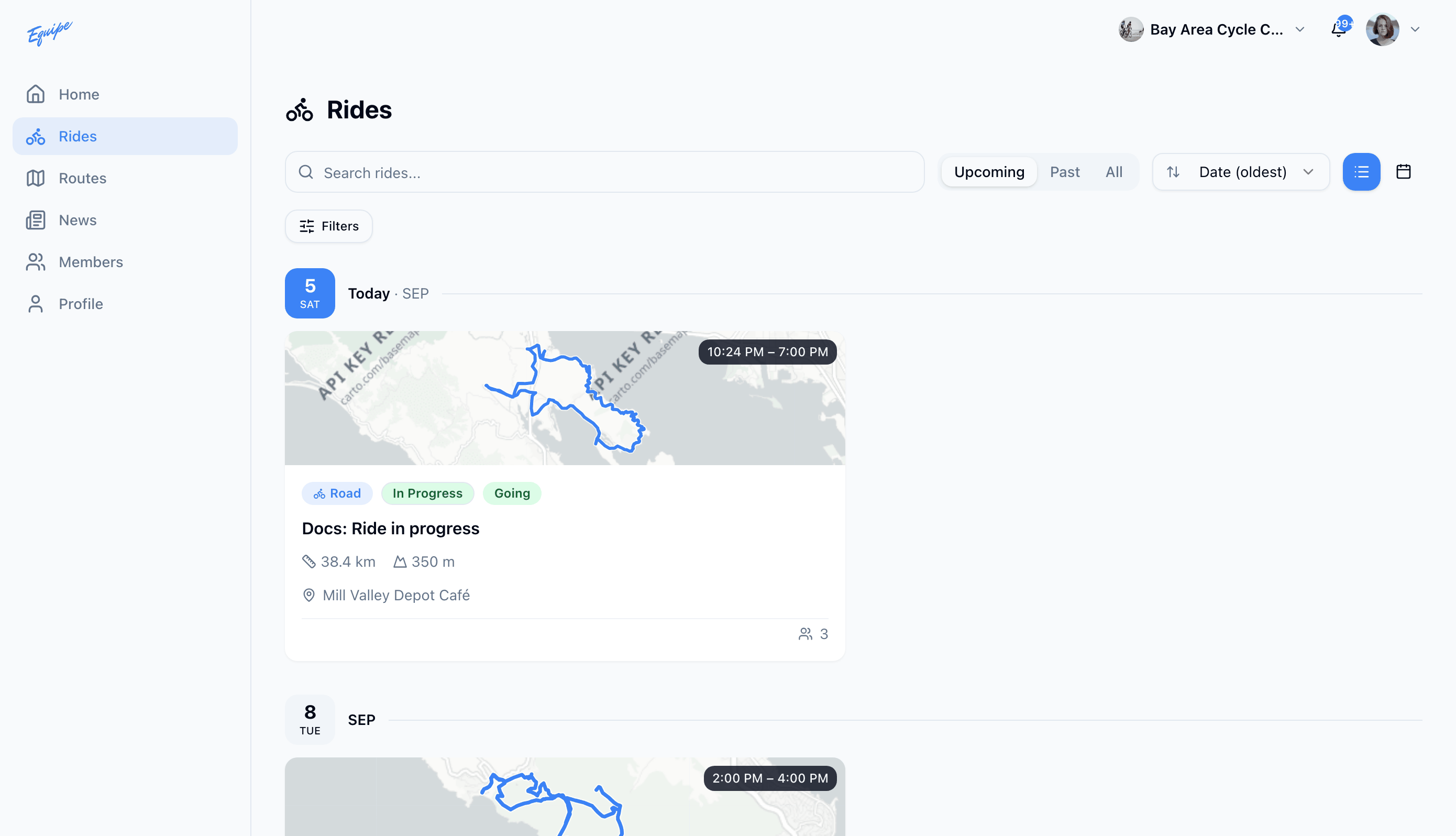
Each ride card shows its discipline, distance, elevation, start location, ride lead, and rider count. Tap or click the card to open the ride.