Rides
Sort rides
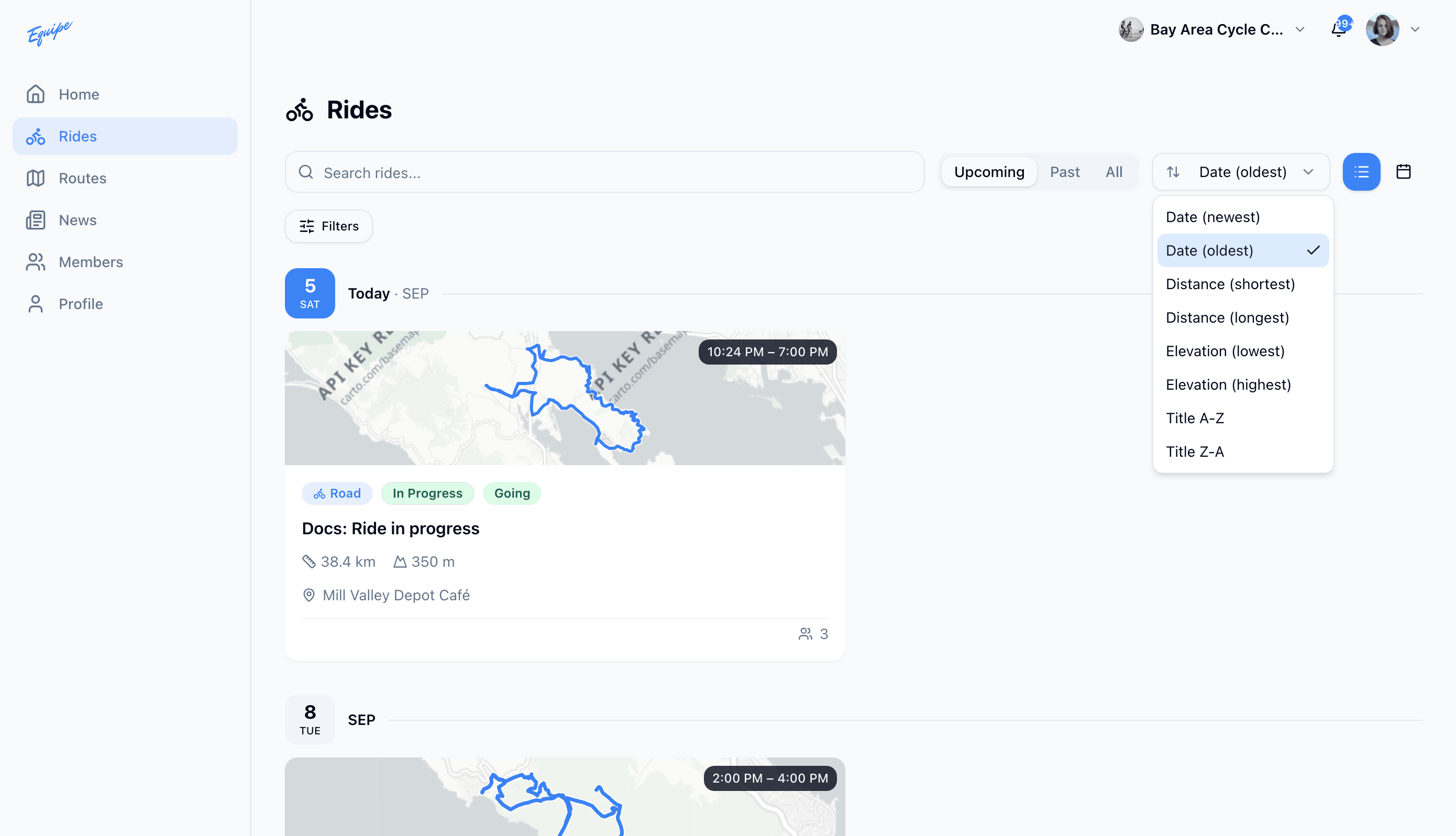
Order the rides list by date, distance, elevation, or title.
Who can use thisMemberRide leadAdminOwner
Sort changes the order of the rides list. The default order is date, oldest first. A ride without route data sorts to the end for distance and elevation.
- Open Rides.
- Click the sort dropdown.
- Choose Date (newest), Date (oldest), Distance (shortest), Distance (longest), Elevation (lowest), Elevation (highest), Title A-Z, or Title Z-A.
- Check that the list reorders.