Rides
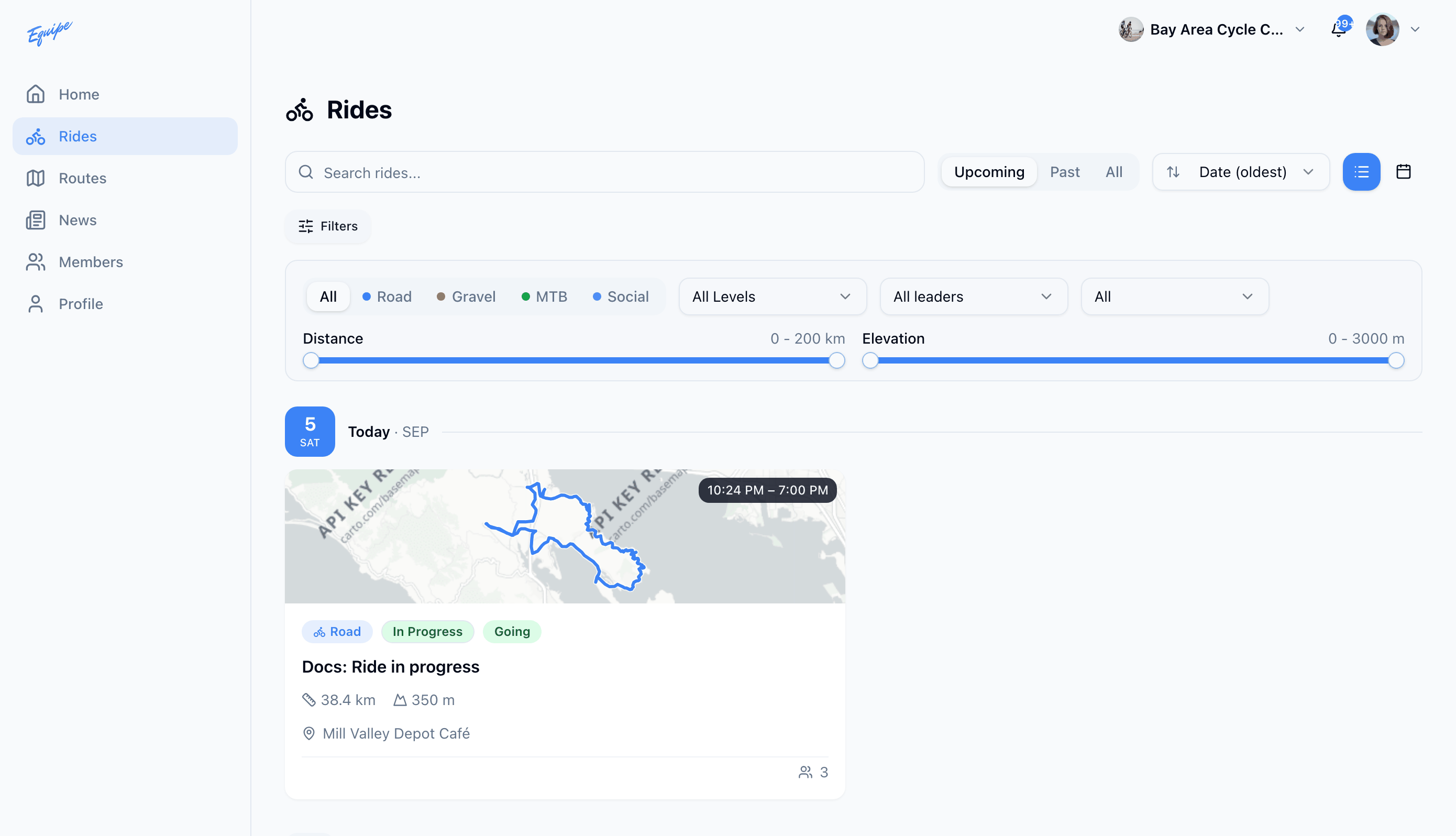
Search and filter rides
Find a specific ride, or narrow the list to the rides you care about.
Who can use thisMemberRide leadAdminOwner
Search finds a ride by its title. The filter panel narrows the list by discipline, workout level, ride lead, distance, and elevation. A location filter can also narrow the list to rides near a place, on the platforms that offer it.
- Open Rides.
- Type in the Search rides... field to find a ride by title.
- Click Filters to open the filter panel.
- Choose a discipline tab, a workout level, or a ride lead.
- Drag the distance and elevation range sliders to set a range.
- Check that a chip for each active filter shows below the panel.
A location filter is not on the rides list yet. The web app has no location control at all. iOS and Android hold a radius setting internally, but neither app shows a control for it, so you cannot set it on a phone either.