Rides
Withdraw from a ride
Give up your spot on a ride you already joined.
Who can use thisMemberRide leadAdminOwner
Withdraw to give up your spot before a ride starts. If the ride is already running, use leave a ride instead. Either action frees your spot for the next person on the waitlist.
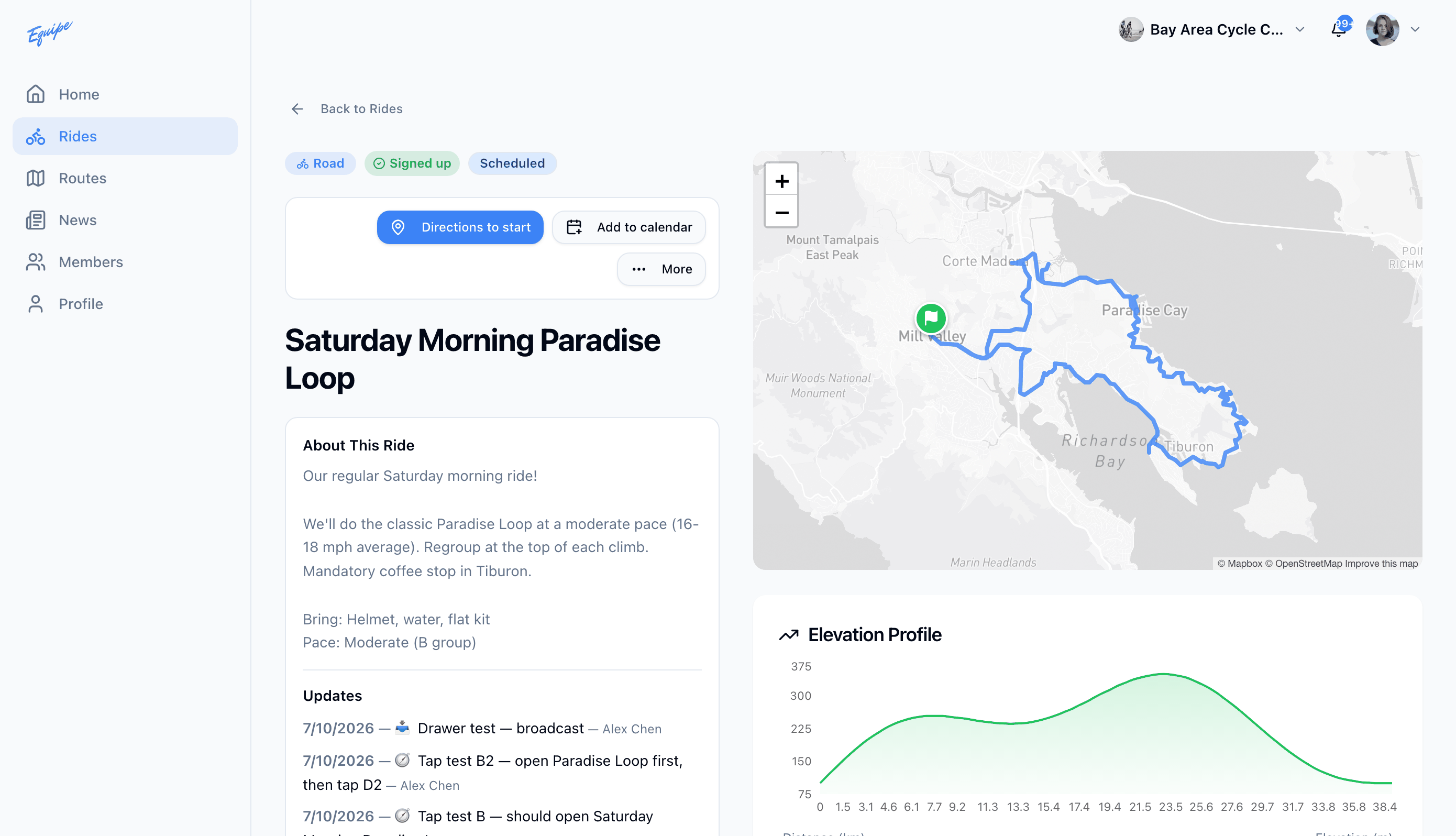
- Open Rides and click the ride.
- Click More, then click Withdraw. During a ride in progress, click Leave ride instead.
- Check that the ride no longer shows under your Signed up rides.
The ride lead cannot withdraw with this button. A lead transfers the ride to another lead first. See Leading rides.