Rides
Ride detail
The map, elevation, weather, participants, and discussion for one ride.
Who can use thisMemberRide leadAdminOwner
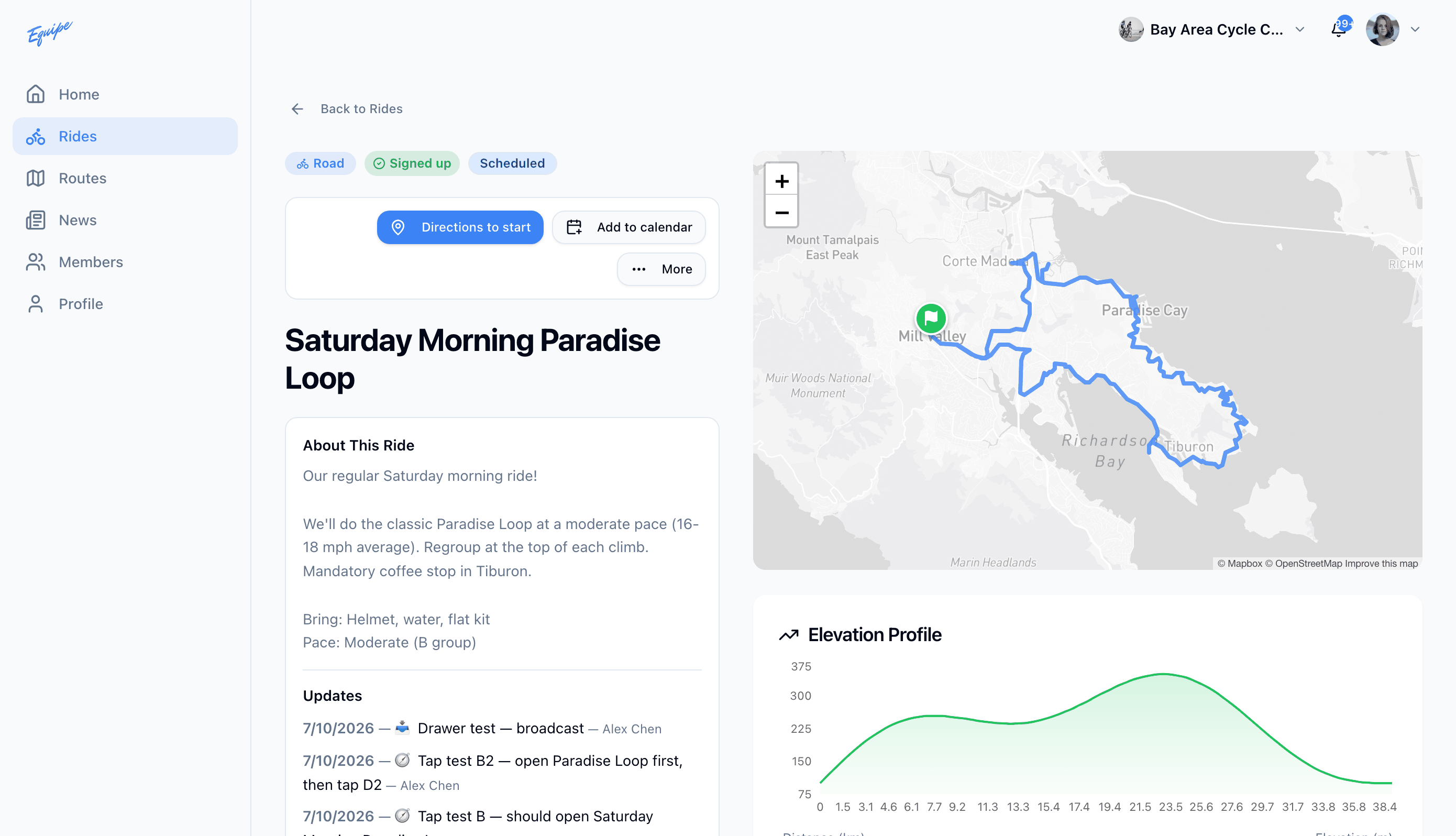
The ride detail page gives you everything you need to decide whether to join. It shows the route on a map, an elevation profile, and a weather forecast. It also shows the schedule, the ride lead and any co-leads, the meeting point, the participants, and the discussion thread.
- Open Rides and click the ride.
- Check the map and the route stats near the top of the page.
- Scroll to Elevation to see the height chart.
- Scroll to Weather Forecast to see the forecast for the start time.
- Scroll to Participants to see who is going.
- Scroll to Discussion to read or add comments.
The meeting point opens in a maps app through Directions. The weather forecast shows only for a ride that has not started.