Rides
Full rides and the waitlist
What happens when a ride reaches its rider limit.
Who can use thisMemberRide leadAdminOwner
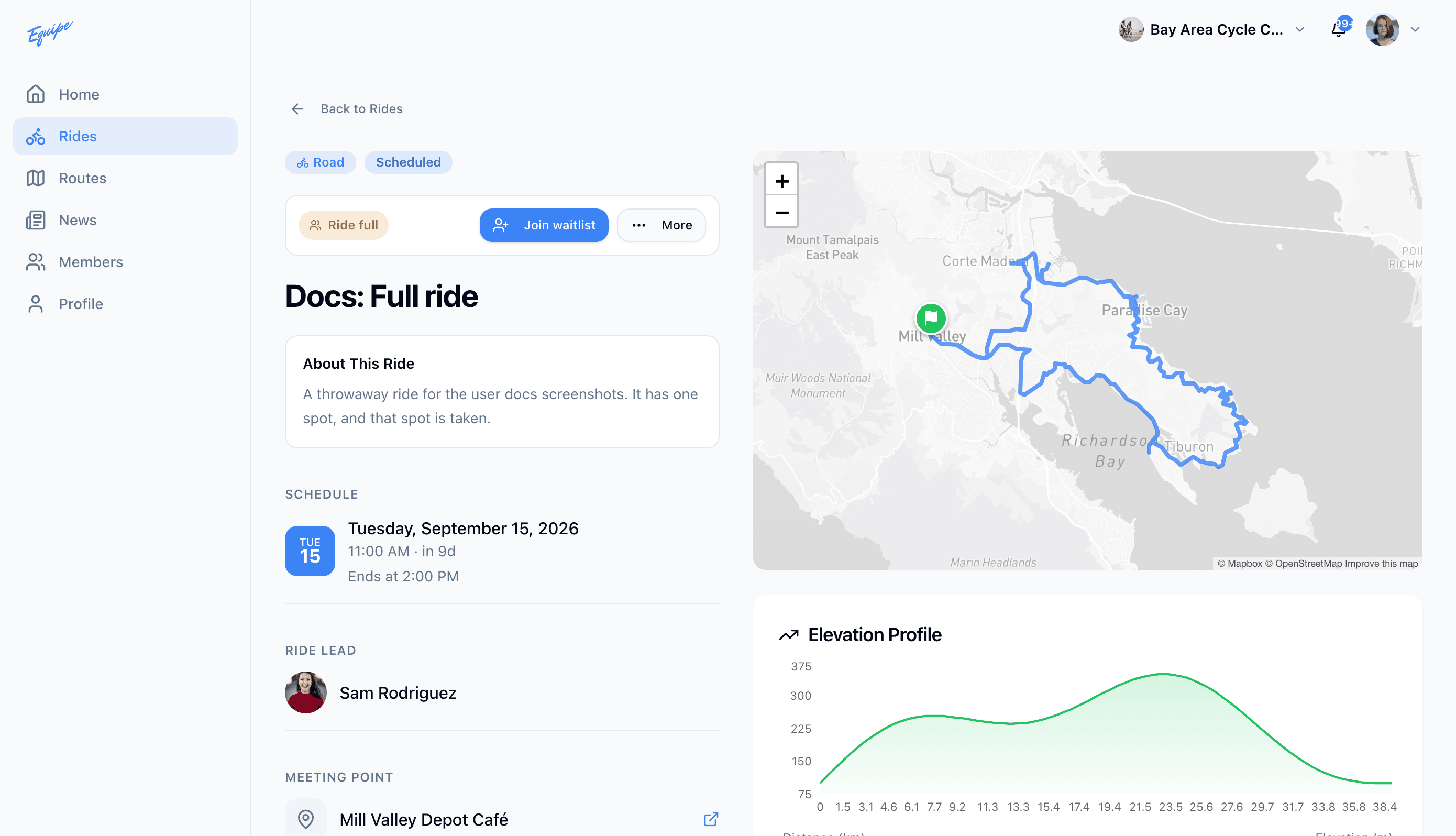
A ride can set a rider limit. Once the number of signed-up riders reaches that limit, the ride shows as full and the join button changes to a waitlist button. Join the waitlist to get a spot if someone withdraws.
- Open Rides and click a full ride.
- Check that the ride shows Ride full and the button reads Join waitlist.
- Click Join waitlist.
- Check that the ride shows On the waitlist.
When a signed-up rider withdraws, the app moves the first person on the waitlist into their spot. No notification tells you when this happens, so check the ride again to see your status.