Rides
Join a ride
Reserve your spot on a ride, or show interest without one.
Who can use thisMemberRide leadAdminOwner
Join a ride to reserve your spot. The ride lead sees you on the participant list. If you are not ready to commit, tap I'm interested instead. This shows your interest without taking a spot.
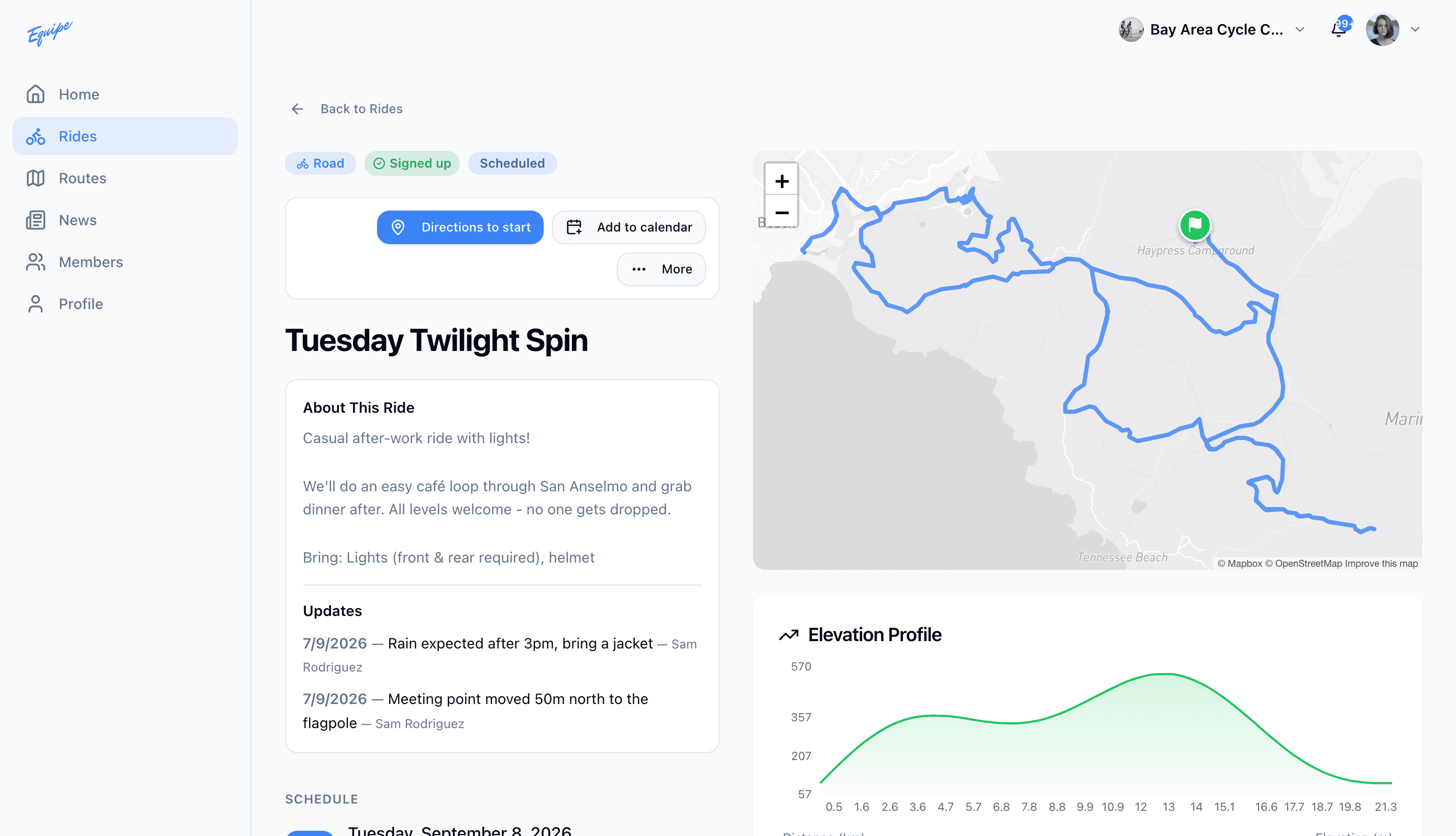
- Open Rides and click the ride.
- Click Join.
- Check that your name shows under Participants.
A ride lead can add you to a ride without a sign-up. You get a notification when that happens. See Leading rides for the lead side.